
A little horror, a softer ending
AI Zombie Video Maker from Two Photos
Upload one portrait for each character and turn them into a short, cinematic Halloween story. The opening is eerie; the final beat is warm. Make a person the returning character, or choose your dog or cat.
Your two photos
Left: the one holding the gun. Right: the one who turned. One person per photo.
Who has turned
Where it happens
Video
Ready in about 2 to 5 minutes. A failed render returns its credits. See prices
The short answer
AI Halloween's AI Zombie video maker turns two photos into a 15-second zombie reunion film. Choose the survivor and the returning character, set a scene and frame shape, then render an MP4. Seedance 2.0 Mini at 720p is the default and costs 12 credits. The provider's quoted render estimate is up to about 5 minutes; actual completion time can vary.
Updated
The story shape
A familiar face changes the mood of the scene
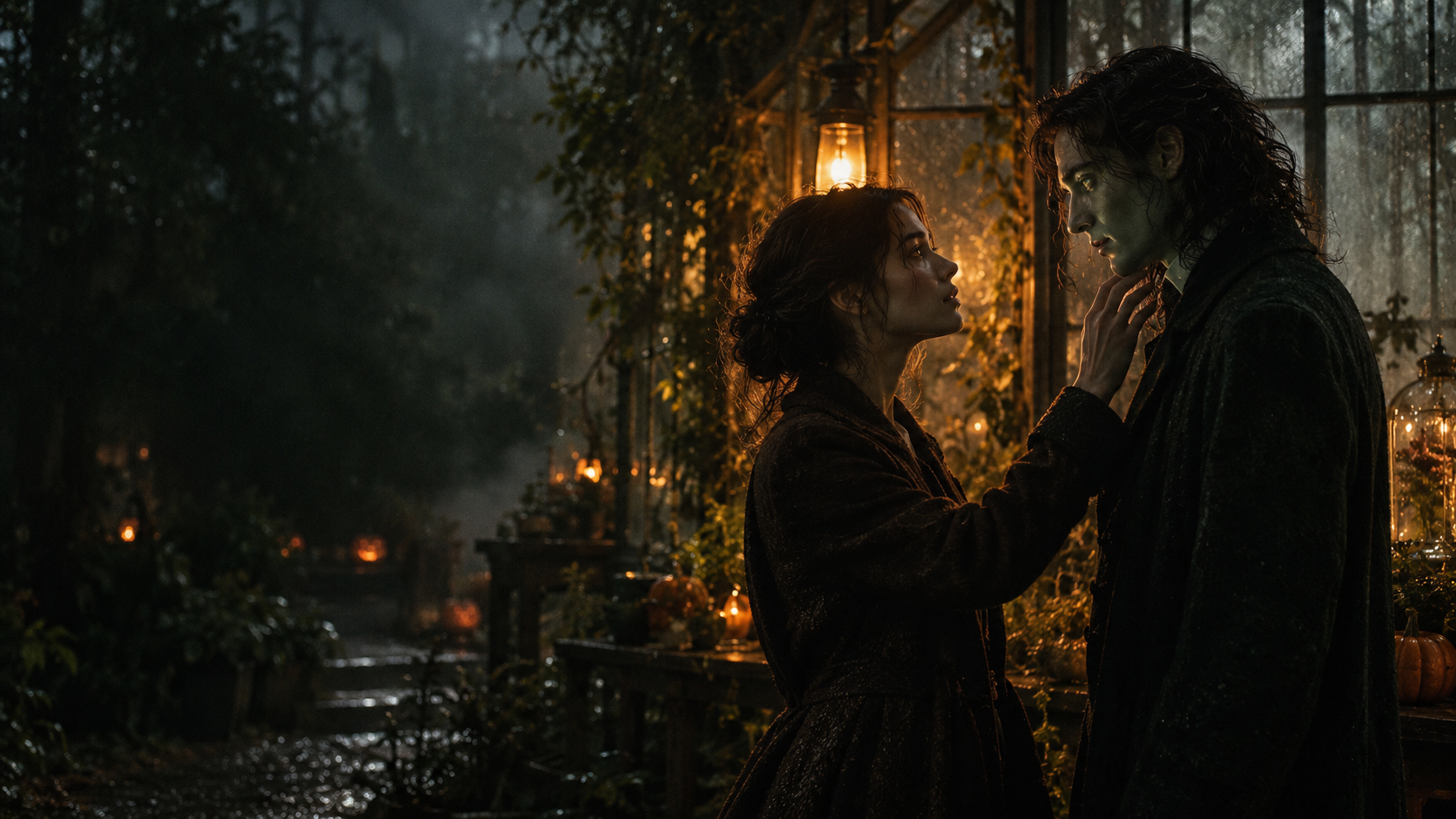
The generator treats the two uploads as separate character references. It stages a tense first encounter in the world you choose, then carries the characters into a brighter memory. The shift in setting gives the ending room to feel different from the opening.
The effect is designed for playful Halloween storytelling. It uses a stylized undead look and asks the model to avoid graphic injury. Review the finished film before sharing, especially when children will see it; generative results can still include details you did not request.
Why use two images?
A reference for each role gives the model a clearer visual anchor than asking it to invent both people from text. Choose images with one visible subject each and check the role labels before you render.
Make your version
From portraits to a finished clip
- 01
Choose two clear images
Use one recognizable subject in each image. Bright, unobstructed faces give the model more visual information to work with.
- 02
Assign the roles
Set the survivor and returning character. Select Couple for two people or Pet when a dog or cat is part of the story.
- 03
Pick a frame and render
Choose a world, model, quality and aspect ratio. The create button shows the credit cost before you submit.
A short-form format
Built for a beginning, turn and ending
- Character references
- Use a separate photo for each role instead of describing both characters from scratch.
- Several scene worlds
- Choose a farmhouse, fallen city, blizzard, empty mall or night subway for the opening encounter.
- Portrait or landscape
- Switch between vertical and wide framing to suit the place you plan to share the finished MP4.
- Price shown in advance
- Model and quality affect credit use. Confirm the displayed amount before starting a render.
A quick settings guide
| Choice | What it changes |
|---|---|
| Scene world | The setting for the outbreak encounter |
| Model and quality | The rendering option and its credit cost |
| Aspect ratio | The shape of the exported frame |
| Character mode | Whether the second reference is a person or a pet |
The film length is fixed at 15 seconds. Open the model picker and review its price before you create.
Image choices that help
- Keep each subject easy to distinguish from the background.
- Avoid group shots when only one person should map to a role.
- For a pet, include enough of the head and coat for the model to read its markings.
- Use photos you have permission to upload and share.
Watch the format
Halloween zombie film examples
Local previews are test renders made with fictional inputs. Public videos are embedded from their original posts and credited to the creators; each player loads after you press play.
Pipeline test renders
From independent creators
Before you render
Questions about the Halloween video maker
Question not answered here? Write to us or check the prices.
01Can I use a pet photo?
Yes. Select Pet and use the pet image as the returning character reference. A clear view of its face and distinctive coat helps.
02How much does one film cost?
The default Seedance 2.0 Mini render at 720p costs 12 credits. Other model and quality choices can have different costs; the generator shows the amount before submission.
03Can I make a vertical video?
Yes. Select a vertical aspect ratio in the generator for a phone-shaped composition.
04Will every result match the reference exactly?
No generative video can promise a perfect match. Use clear references, inspect the export, and create another version if the result needs work.
05Does the prompt include graphic gore?
The story direction favors a stylized Halloween look and asks for non-graphic imagery. Models can still produce unexpected details, so review the result before sharing.
Set the scene
Bring two characters into one Halloween story
Choose your references and framing, then check the displayed cost before you render.