Plan a Halloween Video Before You Generate It
A text assistant can help brainstorm a premise or caption. A video generator turns images and instructions into moving footage. Those are different jobs, even when they appear in one product ecosystem.
Before using any tool, check whether it creates a still image, edits an existing clip or generates a new video. The output type determines what assets and steps you will need.
Updated
GEMINI
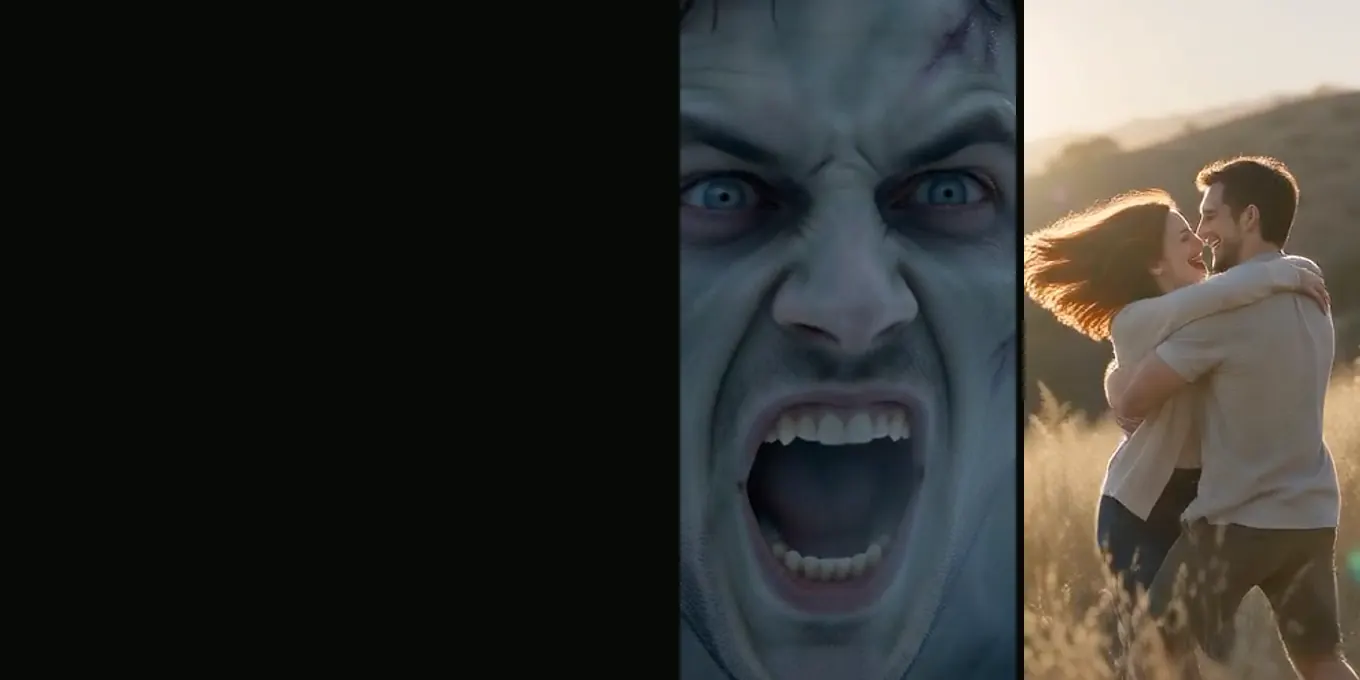
The zombie trend with Gemini
- 10-second clips
- Two prompts
- One-step route
Use a writing assistant for the outline
Ask for a one-sentence premise, a short shot list and a caption in the tone you want. Add limits such as “playful, non-graphic, no dialogue” if those matter to your audience.
Review names, claims and suggested platform features before relying on them. AI-generated advice can be outdated or inaccurate.
Check the video workflow separately
- Does the tool accept reference images?
- Can it produce a video rather than a still?
- What frame sizes and durations are available?
- How are credits, privacy and retention described?
Bring the outline into the edit
Use the outline as a creative brief. Keep only the beats that fit the chosen duration, then check the rendered clip for continuity, likeness and unexpected details.
FAQ
Can a chat assistant make the finished video?
That depends on the current product and account features. Verify the output type in the official product interface; a text response alone is not a video render.
Can I use a prompt from one tool in another?
Usually you can adapt the text, but each generator accepts different controls and media inputs. Remove instructions the destination tool cannot use.
Read next
What the Halloween Video Prompt Controls
A field guide to the built-in Halloween prompt and the parts you can change in the generator.
How to Plan a Two-Photo Halloween Video
Prepare two portraits, assign character roles, choose the frame and review the export.
Choose Better Reference Photos for a Halloween Film
Prepare clear, well-lit portraits and check that each image belongs to the intended role.
AI Halloween is an independent site with no ties to TikTok or to any film or TV studio. Clips by other creators belong to them.