
Compare AI Halloween Video Workflows Before Paying
Video tools solve different creative problems. Some animate reference images, some generate from text, and some provide templates for editing footage you already have. Choose by the input you can provide and the control you need over the result.
A product page or model name alone does not tell you whether a workflow fits. Before paying, verify the accepted inputs, export options, usage rules and the price for your chosen settings.
Updated
COMPARED
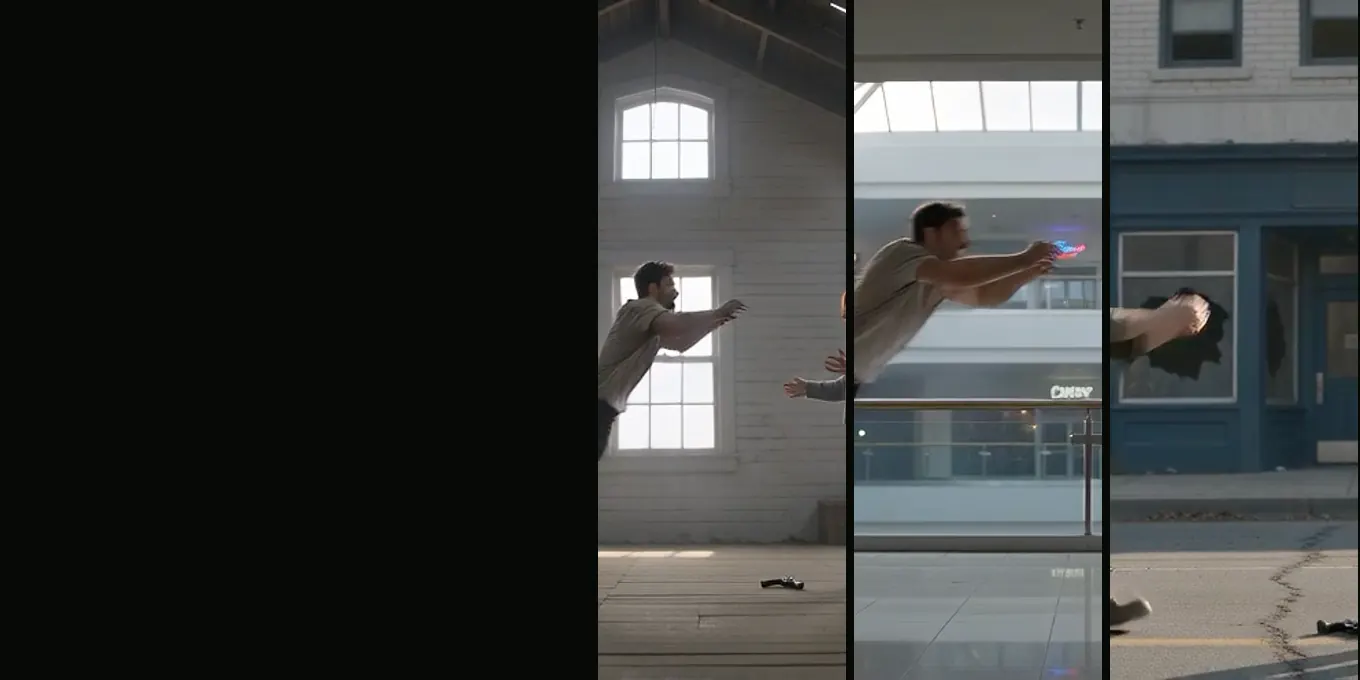
Zombie AI video generators, October 2026
- Models
- Apps
- One-step sites
Compare the workflow, not only the model name
| Workflow | Useful when | Check before paying |
|---|---|---|
| Image-to-video | You have visual references to carry into a scene | Identity consistency, image rights and allowed formats |
| Text-to-video | You are exploring a new concept from a written brief | Prompt controls, duration limits and retry cost |
| Template editor | You want predictable layout and manual timing | Watermarks, export resolution and editing limits |
Questions for any service
- What is the total cost at the model and quality you plan to use?
- Can you download an MP4 in the frame shape you need?
- What does the service say about uploaded images and generated files?
- Can you use the result commercially, and what platform rules still apply?
- What happens when a job fails or you cancel a plan?
A practical way to compare
Use the same short brief and comparable source images in each candidate workflow. Record the settings, time, visible artifacts and cost of each attempt. One sample is not enough to establish consistent quality, so treat a small comparison as directional.
On this site, a 15-second Seedance 2.0 Mini video at 720p uses 12 credits. Review the live model picker and pricing page for other current options.
FAQ
Which kind of generator is easiest to start with?
Start with the workflow that matches your assets. Reference-image tools suit people who already have visual material; text workflows suit early exploration.
Should I compare using free trials?
Check each service’s current trial, usage and cancellation terms. Do not assume a trial includes downloadable video or commercial rights.
Read next
How to Plan a Two-Photo Halloween Video
Prepare two portraits, assign character roles, choose the frame and review the export.
Choose Better Reference Photos for a Halloween Film
Prepare clear, well-lit portraits and check that each image belongs to the intended role.
Five Settings for a Short Outbreak Scene
Pick a Halloween backdrop based on light, movement and how much open space the action needs.
AI Halloween is an independent site with no ties to TikTok or to any film or TV studio. Clips by other creators belong to them.