When an AI Halloween Video Loses the Likeness
A generated clip can resemble its source in one shot and drift in another. Motion, lighting, a profile view or a fast cut can make a face harder to preserve. Start by checking the input images and the role order before changing every setting at once.
The generator uses the uploaded photos as references, but it cannot promise exact identity across every frame. Treat the export as a new take that needs review.
Updated
FIXES
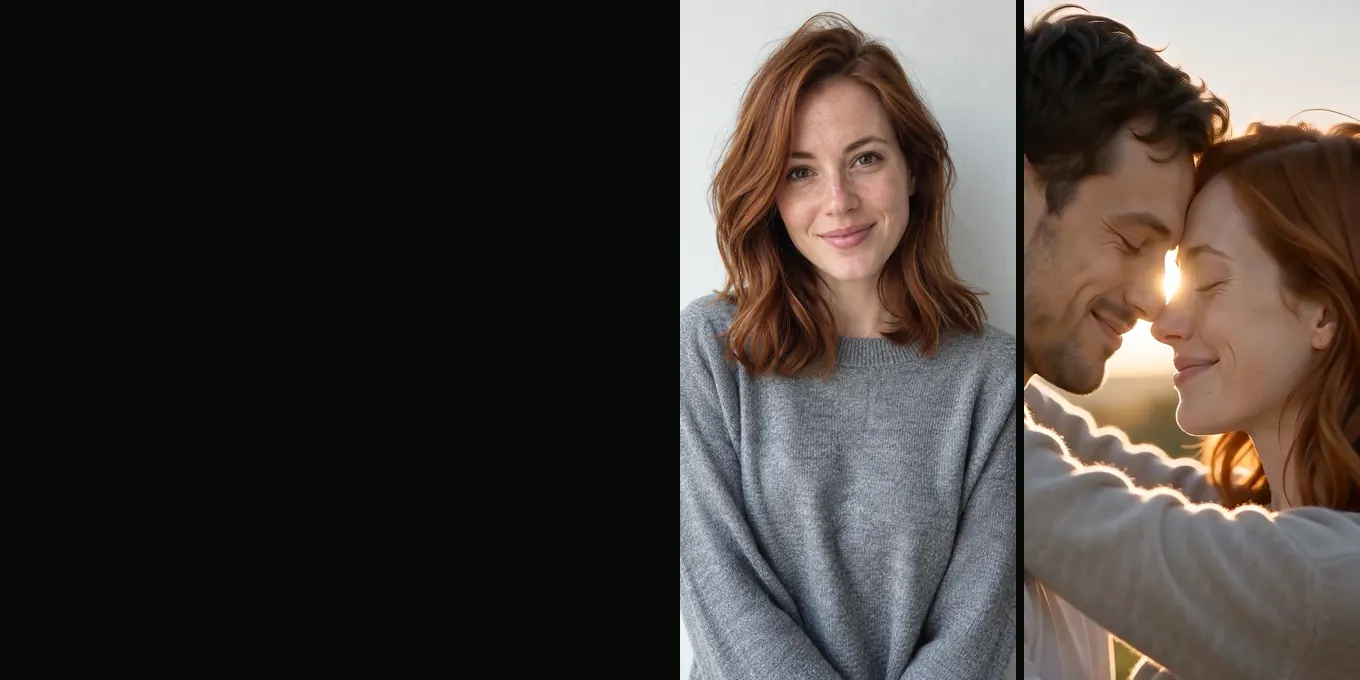
Your zombie video doesn’t look like you?
- Faces that drift
- Wrong one turned
- No zombie look
Check the source images first
- Use one clear face per image, facing the camera.
- Prefer even light and a simple background.
- Remove sunglasses, masks and strong filters when possible.
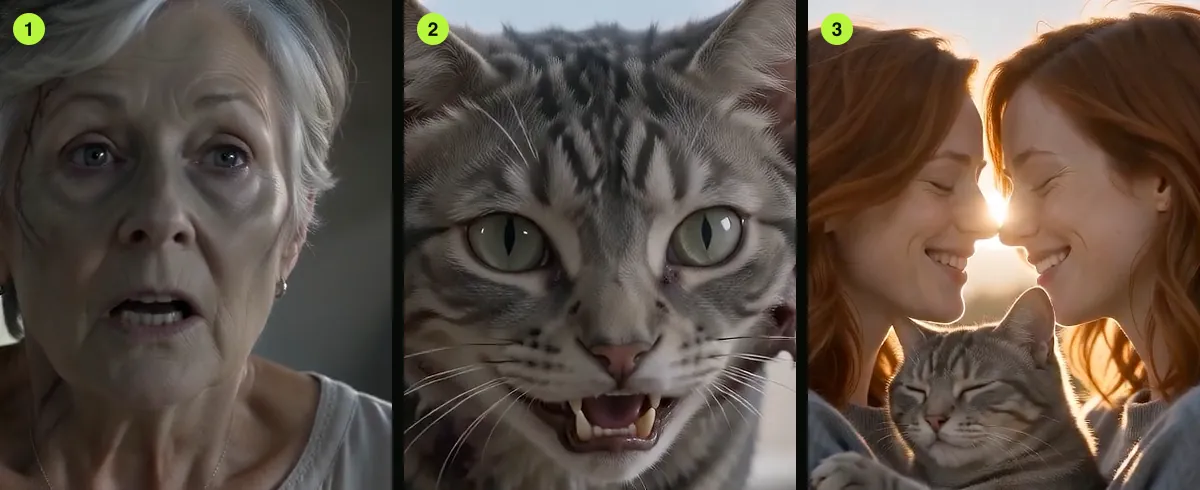
- For pets, show the face and distinctive coat markings.
Confirm role order and framing
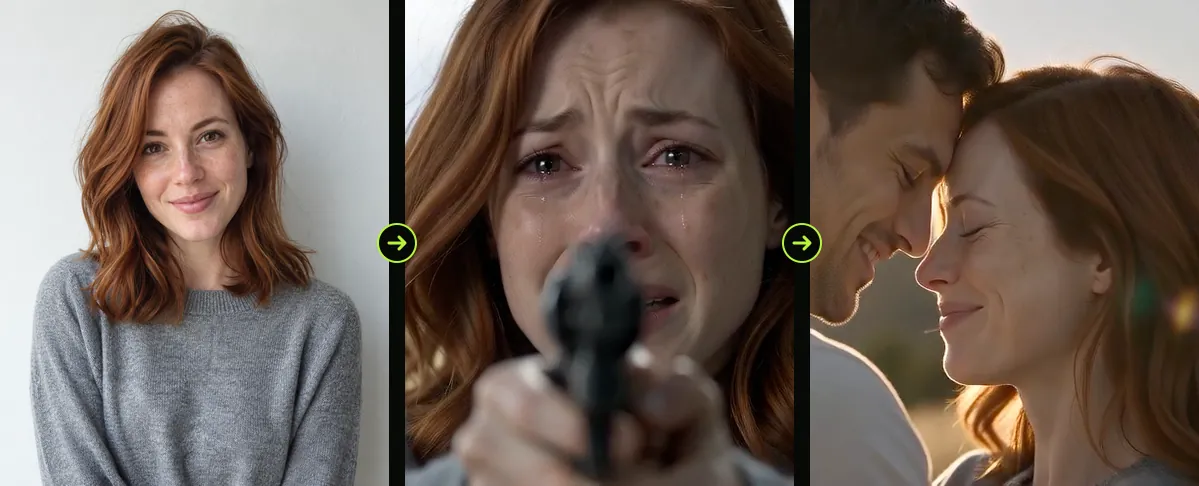
The left or first input is the survivor; the second input is the person or pet who returns. If those roles are reversed, swap the references and try again. A vertical crop can change how much of each figure fits in the frame.
Review the clip shot by shot
Pause on the close-ups and the transition. Note whether the drift appears after a cut, during a profile, or in a wide shot. A more recognizable source photo may help; repeated generations can still differ.
Do not upload someone else’s portrait unless you have permission to use it for this purpose.
FAQ
Will another render fix a face?
It may produce a different take, but there is no guarantee. Improve the reference image and inspect each version before choosing one.
Why can the first frame look right and later shots drift?
Changes in angle, lighting, motion and distance give the model different visual conditions to interpret.
Read next
Choose Better Reference Photos for a Halloween Film
Prepare clear, well-lit portraits and check that each image belongs to the intended role.
How to Plan a Two-Photo Halloween Video
Prepare two portraits, assign character roles, choose the frame and review the export.
What the Halloween Video Prompt Controls
A field guide to the built-in Halloween prompt and the parts you can change in the generator.
AI Halloween is an independent site with no ties to TikTok or to any film or TV studio. Clips by other creators belong to them.