
Choose Better Reference Photos for a Halloween Film
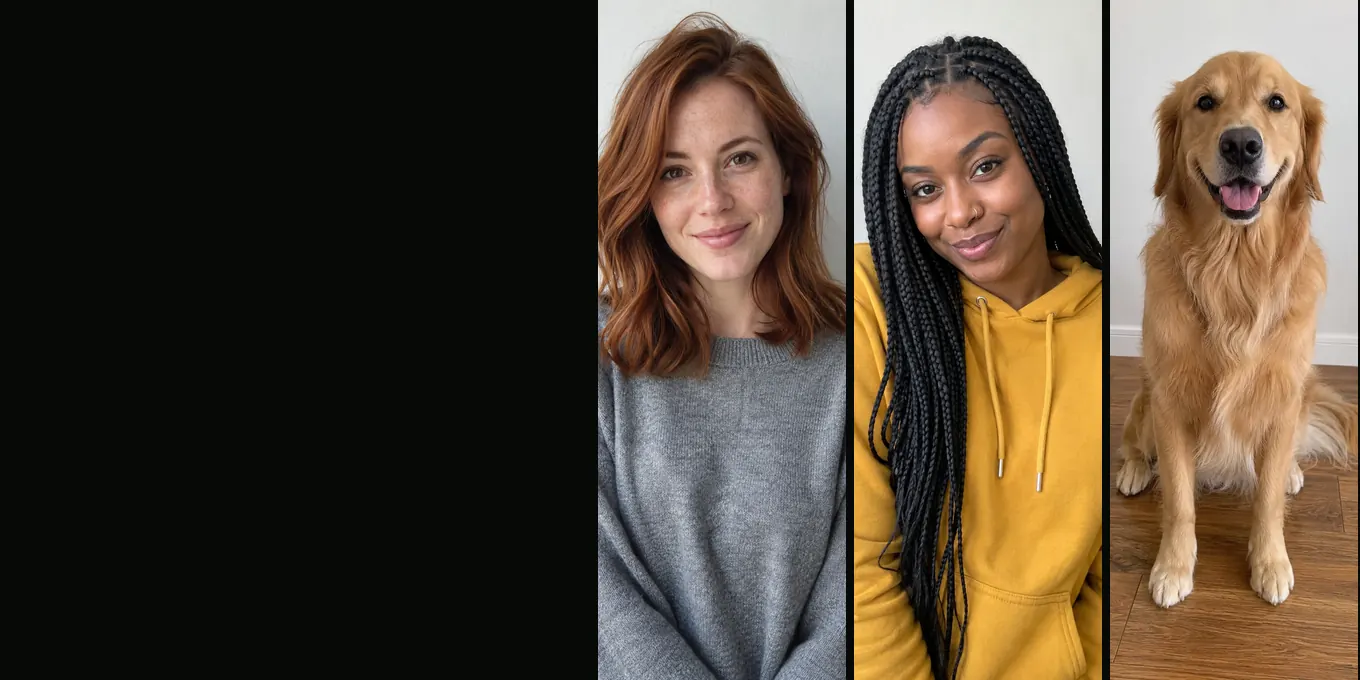
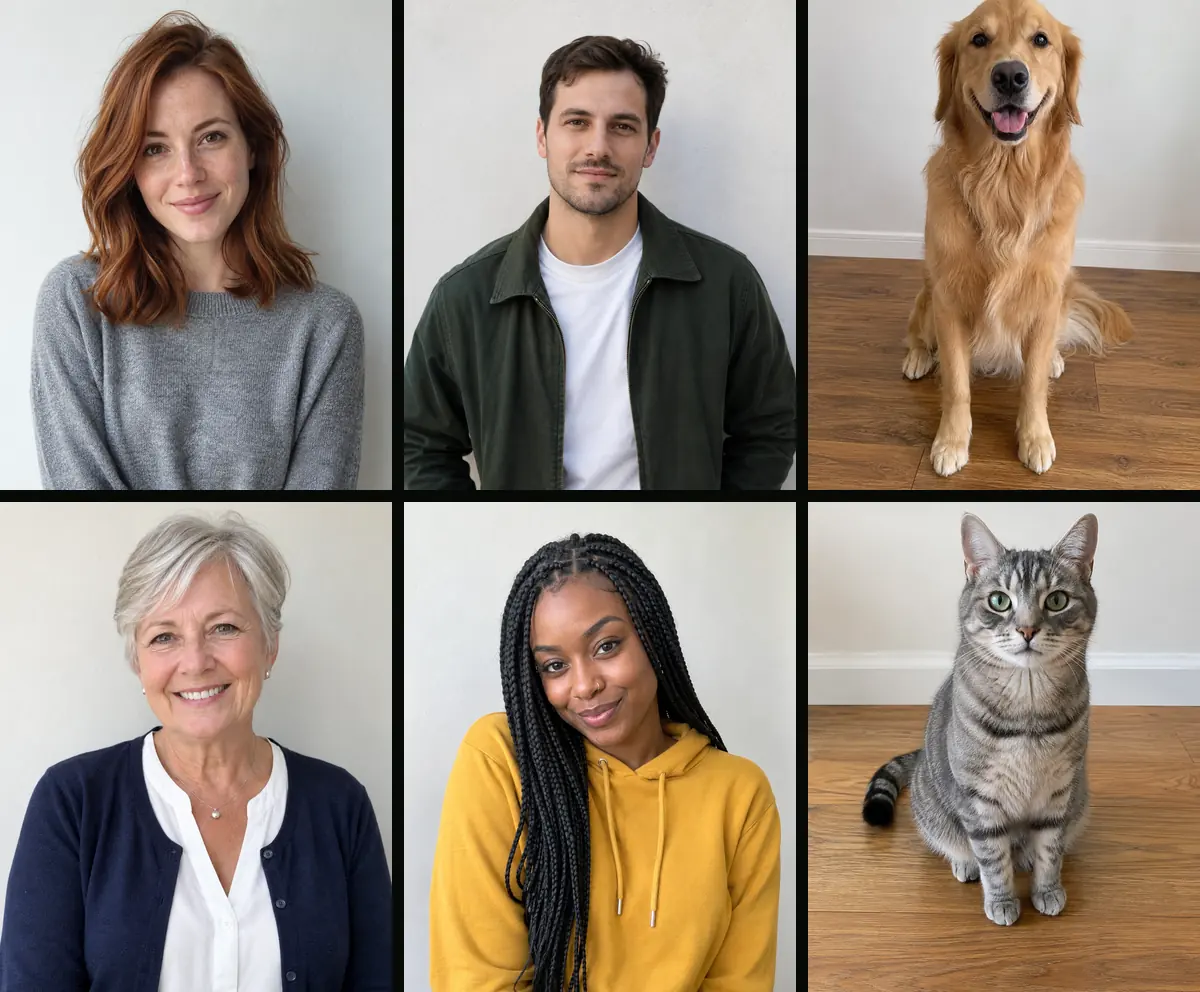
A useful reference photo makes the intended subject easy to identify. It does not need to be a studio portrait. A recent phone photo can work when the face is visible, the background is not too busy and the image is not heavily filtered.
Prepare one image for each role. A dog or cat should have its face and distinctive coat in view if you want those details to carry into the video.
Updated
PHOTOS
The best photos for the AI zombie trend
- One face per photo
- Front-facing, daylight
- File rules
Photo checklist
- One main subject, with the face turned toward the camera.
- Soft, even light without strong shadow across the eyes.
- Enough resolution to see the features clearly.
- A background that contrasts with hair, fur and clothing.
- No watermark, heavy beauty filter or face-covering accessory.
Match the image to its role
The survivor reference and the returning-character reference have different jobs. Pick the image that best communicates each person from the opening shot onward. Confirm the order in the upload area before creating.
If an animal is part of the scene, choose a calm photo where the head shape, coat and size are easy to recognize. Avoid forcing a pet to pose for the camera.
Respect image ownership
Only upload images you are allowed to use. Get consent from recognizable people and check the service terms for how uploaded files and generated media are handled.
FAQ
Can I use a group photo?
A single-subject photo is easier to map to a role. Crop a group photo only when you have the rights and the subject remains clear.
Does a higher-resolution photo guarantee a match?
No. Clarity gives the model more detail, but it cannot guarantee the final appearance.
Read next
When an AI Halloween Video Loses the Likeness
Use a clean reference and review where identity changes across cuts.
Make a Halloween Pet Video with a Clear Animal Reference
Use a clear pet portrait, choose Pet mode and check the animal’s markings in the export.
How to Plan a Two-Photo Halloween Video
Prepare two portraits, assign character roles, choose the frame and review the export.
AI Halloween is an independent site with no ties to TikTok or to any film or TV studio. Clips by other creators belong to them.