Use a Match Cut to Connect Two Halloween Scenes
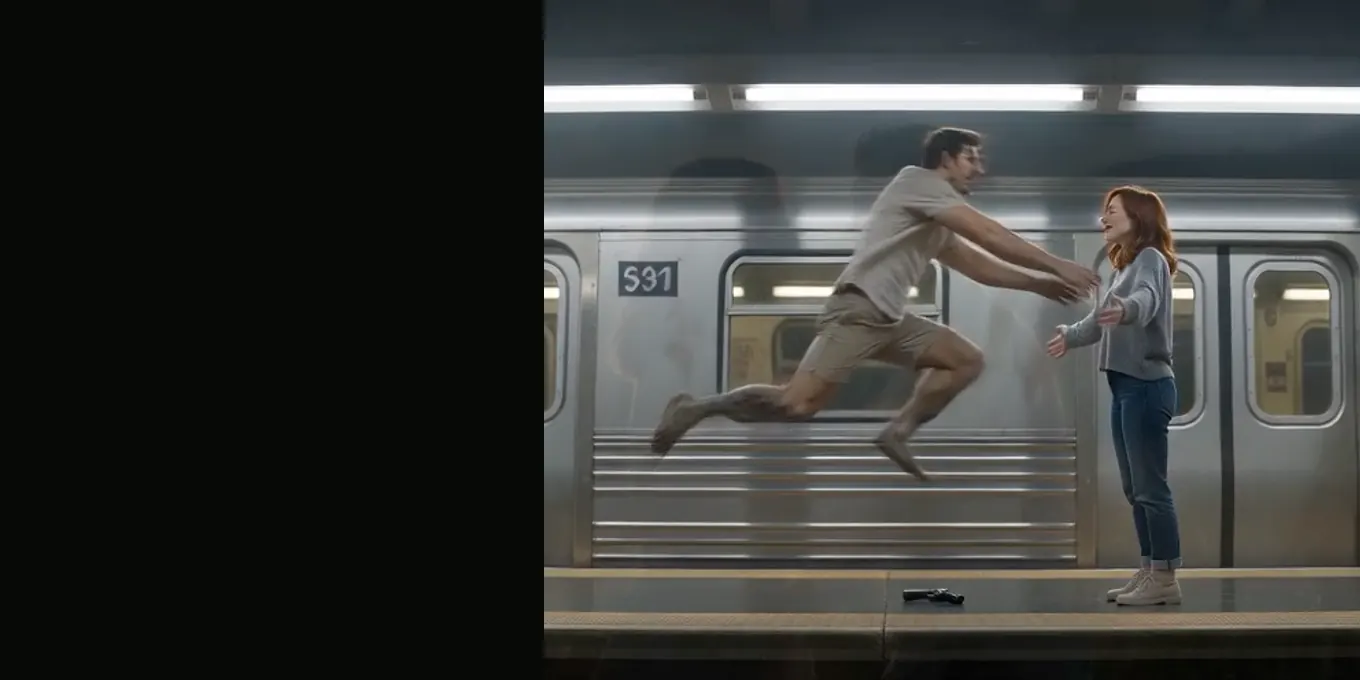
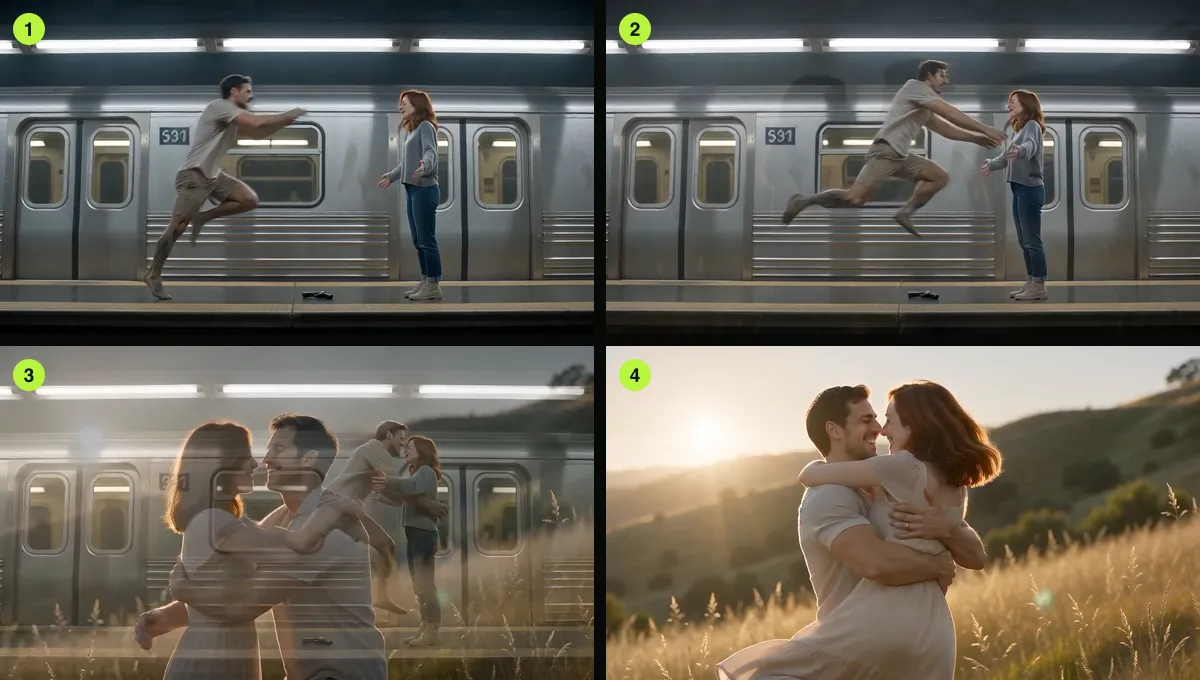
A match cut makes a transition feel like the same movement continues in a different place. A figure jumps in one scene, then lands in a new setting at nearly the same position in frame. The eye carries the movement across the edit.
The effect depends on visual continuity. Similar direction, scale and timing matter more than a complicated transition.
Updated
THE CUT
The zombie match cut, frame by frame
- Why mid-leap
- Two prompt lines
- Our renders
Three things to line up
- Direction: keep the subject moving the same way before and after the cut.
- Framing: keep the figure at a similar size and screen position.
- Timing: cut near the strongest part of the action so the movement bridges the change.
Try it with a change in mood
A jump can carry a character from a cold, empty setting into a warm memory. The action supplies continuity while the lighting and location supply contrast. Leave a brief pause at the transition so the audience can register both.
If the subject shifts too far between shots, use a short dissolve or cut on a stronger motion peak. The transition should support the story rather than call attention to itself.
Make the cut readable on a phone
Keep the main movement near the center safe area and avoid placing captions over it. Watch the export at phone size; details that look clear on a desktop may disappear on a small screen.
FAQ
Is a match cut the same as a dissolve?
No. A match cut connects similar action or composition across an edit. A dissolve overlaps one image with another.
Can I create one in a video editor?
Yes. Place two shots next to each other and trim them so the action and framing align across the cut.
Read next
Five Settings for a Short Outbreak Scene
Pick a Halloween backdrop based on light, movement and how much open space the action needs.
Polish a Halloween Clip in a Video Editor
Use an editor to add a caption, check sound levels and export at the intended frame shape.
What the Halloween Video Prompt Controls
A field guide to the built-in Halloween prompt and the parts you can change in the generator.
AI Halloween is an independent site with no ties to TikTok or to any film or TV studio. Clips by other creators belong to them.