
AI Zombie Video Doesn’t Look Like You? 7 Fixes
Generated video does not copy a face pixel by pixel. It follows your photo through moving shots, different light and a zombie make-up, and sometimes it drifts. Most problems come from the photo or the order of the photos, and are fixed before you spend more credits.
Work through the fixes below in order. Each new render costs credits again, so change one thing at a time.
Updated
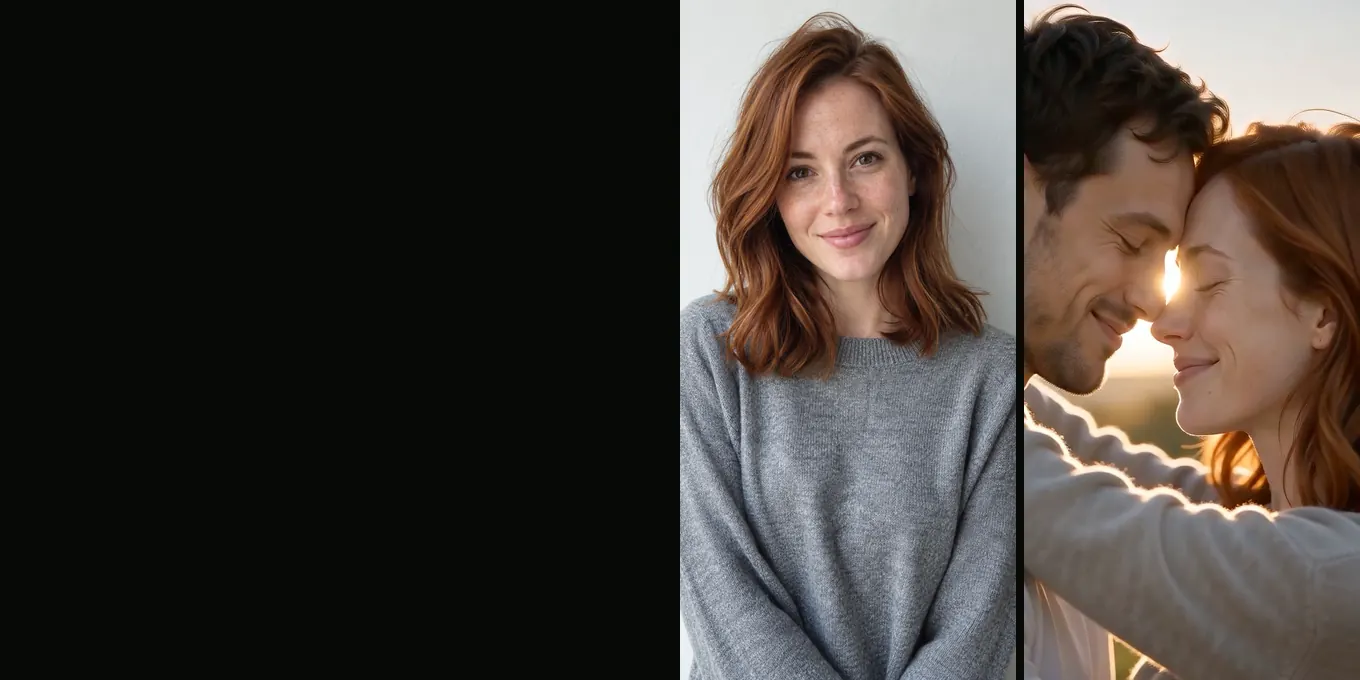
7 FIXES
When the zombie doesn’t look like you
- Check the close-ups
- Swap or re-crop
- When credits return
First, find where it goes wrong
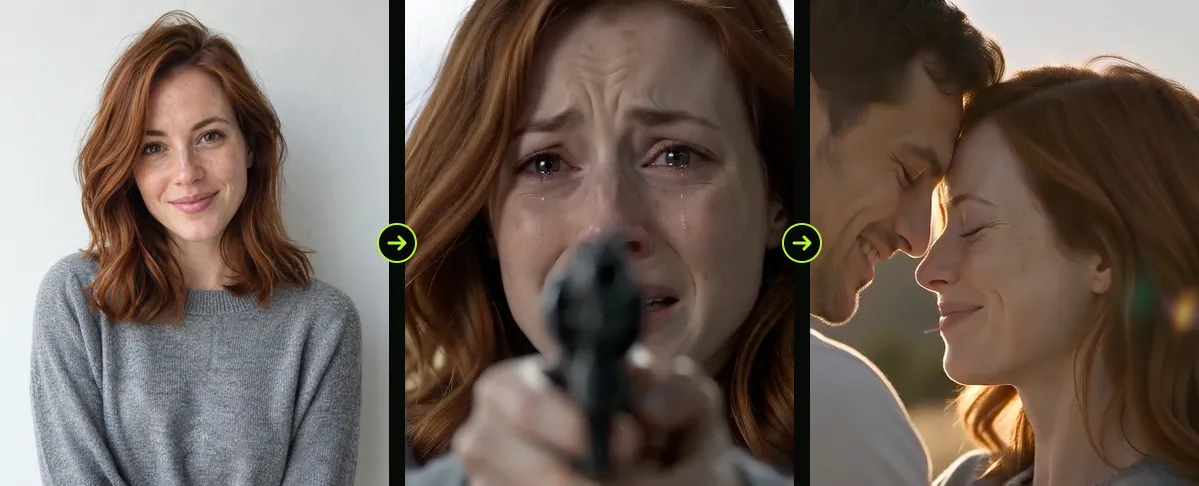
| Time | Shot | Good place to check |
|---|---|---|
| 0 to 2 s | Survivor close-up | Does the survivor look like the left photo? |
| 4 to 5 s | Zombie close-up | Is the zombie recognisably the right photo? |
| 7 to 9 s | The leap | Bodies and clothes; likeness is hardest here |
| 12 to 15 s | Last close-up | Both faces healthy, side by side |
The seven fixes
- The wrong person turned: the photos are in the wrong slots. Tap the round ⇄ button to swap them and render again.
- Nobody looks right: use photos with the face clearly visible and nothing covering it. See best photos for an AI zombie video.
- The face is fine in close-up but wrong in the leap: use a waist-up or full-body photo so the model knows your build and clothes.
- The skin looks plastic in the meadow: the photo probably has a beauty filter. Use an unfiltered one.
- Two people blend together: one of the photos has two people in it. Crop it to one.
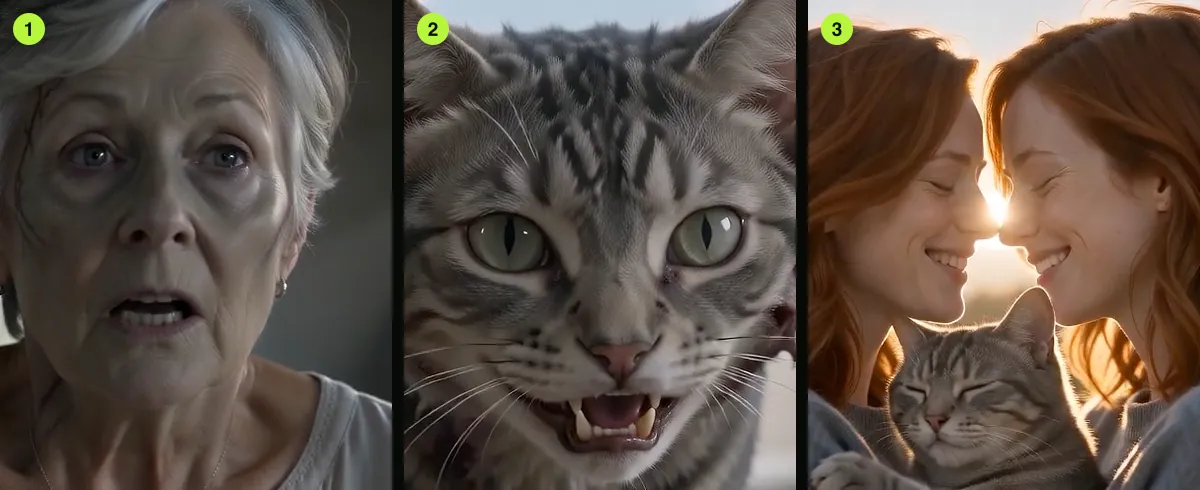
- The zombie looks normal: the model can soften the make-up. In our tests a mother never turned at all and a cat kept its green eyes; the prompt has been strengthened since (not yet retested). Render again; this varies between takes.
- The leap or the memory is missing in 9:16: try 16:9 to compare. Tall frames are harder for the model; the prompt has an extra line for them.
What a re-render can and cannot do
Every render is a new take: the same photos can give a closer or a looser likeness. If two takes in a row miss in the same way, change the photo rather than rendering a third time. A higher model or 1080p costs more and we have not tested whether it keeps faces better.
Do I get credits back?
Credits come back automatically when a render fails (no video is produced). A finished video that you do not like is not refunded automatically, because the render was done. If something is clearly broken, for example a black or empty file, write to support from your account.
FAQ
- Why does my face change after the cut to the meadow?
- The light, clothes and angle all change in the meadow, which gives the model more room to drift. A clearer photo helps.
- Will a better model fix the likeness?
- Maybe. Higher models cost more (from 6 credits (Seedance 2.0 Mini, 480p) to 108 (Seedance 2.5, 1080p)) and we have not compared likeness across them.
- Can I upload more photos of the same person?
- No. Each role takes exactly one photo.
- Is a failed render charged?
- No. If no video comes out, the credits are returned automatically.
Read next
- 01Best Photos for an AI Zombie Video: What to UploadA checklist for the two photos, including pets, and the problems each photo mistake causes in the film.
- 02How to Make an AI Zombie Video, Step by StepEvery step of the generator in order, from the two photos to the downloaded MP4, with what each choice changes.
- 03How the Zombie Leap Match Cut Works (and How to Edit One)The match cut at 9 seconds that turns the zombie’s leap into a hug, and how to build one in an editor.
AI Halloween is made independently and is not connected with TikTok or any film or TV studio. Each creator’s clip stays theirs.