
A fictional reunion for Halloween
Create an AI Zombie Love Story
Turn two separate portraits into a short fictional reunion. One person survives the outbreak; the other returns as a stylized zombie. The built-in story asks for recognition, a hug and a final warm memory.
Your two photos
Left: the one holding the gun. Right: the one who turned. One person per photo.
Who has turned
Where it happens
Video
Ready in about 2 to 5 minutes. A failed render returns its credits. See prices
The short answer
An AI zombie love story on AI Halloween uses two photos to stage a fictional reunion. The generator follows a fixed 15-second sequence with an outbreak encounter, a requested hug and a warm memory; it does not accept custom dialogue or shot-by-shot prompts. The default Seedance 2.0 Mini setting at 720p costs 12 credits for 15 seconds. The generator shows the selected cost before rendering.
Updated
A fictional reunion for Halloween
Use the story arc to set the tone
The opening creates distance and tension. The survivor recognizes the returning person, lowers the weapon and opens their arms; the final change in setting frames the reunion as a memory.
The generator does not know the relationship between the subjects. Choose references with care, and use a short caption to provide context when you share the finished clip.
A fictional AI story, not real footage
The built-in prompt asks for a stylized zombie look and no graphic wounds. Model output may still include unexpected details, and likeness or gestures can change between shots.
Three steps
Shape a zombie reunion story
- 01
Prepare
Choose one clear reference photo for each role and confirm both people are comfortable taking part.
- 02
Choose
Assign the survivor and returning character, then select the opening world and frame.
- 03
Review
Watch the entire MP4, including sound and the final transition, before sharing it as a keepsake.
What to expect
A simple arc for a personal story
- References
- Two roles establish who stays and who returns.
- Story
- A recognition moment and requested embrace carry the emotional turn.
- Settings
- A warm closing memory contrasts with the Halloween opening.
Keep the reunion understandable
A few practical choices can help the viewer follow the story even when generated details vary. A simple arc needs only two distinct references, one recognition moment and a warm ending. Check that the second photo matches the returning role; faces, clothing, gestures and timing may shift, so review the full MP4 and ask the people shown before posting. Add context in a short caption, such as an anniversary, shared memory or note that the scene is fictional, without covering faces or the reunion action. The available video settings affect the exported shape and cost, so choose them for the intended audience before rendering. The scene is generated from references and a fixed sequence, not assembled from real footage. Avoid implying that a fictional outbreak or transformation actually happened. If you want custom dialogue, named story beats or exact timing, export the video and finish it in an editor that provides those controls.
- Use distinct portraits with one subject in each frame.
- Keep captions short and leave faces and gestures visible.
- Do not present a generated zombie scene as documentary footage.
Watch the format
Halloween zombie film examples
Local previews are test renders made with fictional inputs. Public videos are embedded from their original posts and credited to the creators; each player loads after you press play.
Pipeline test renders
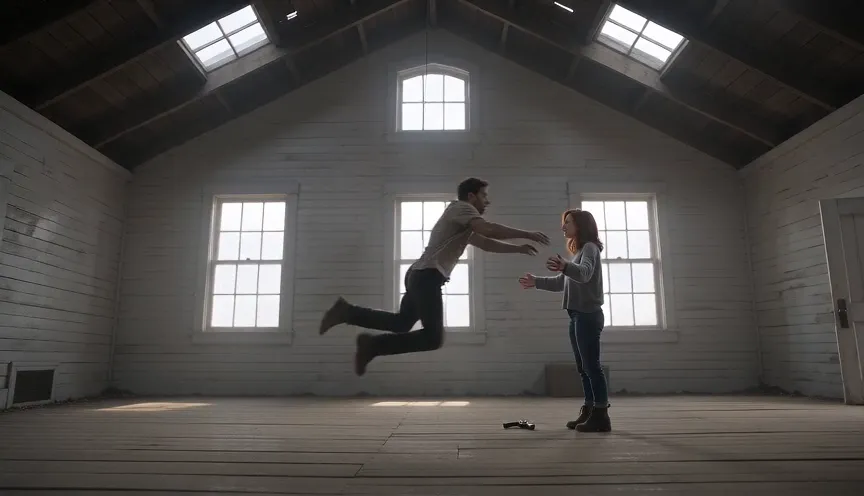
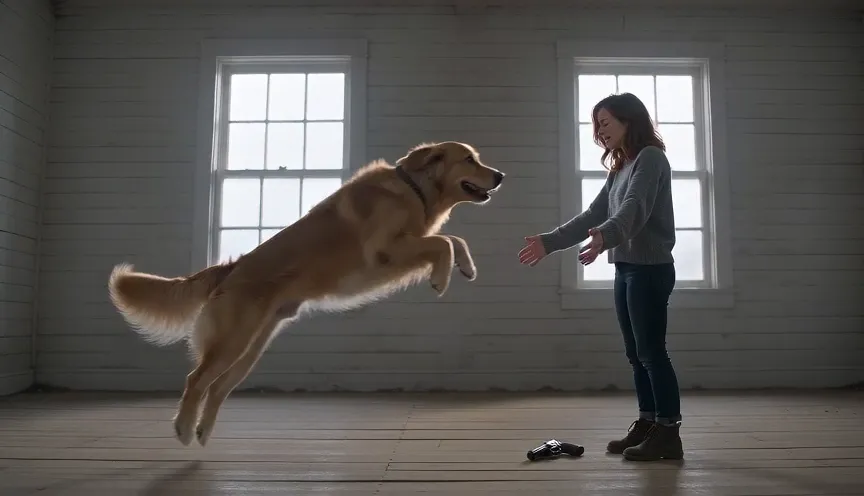
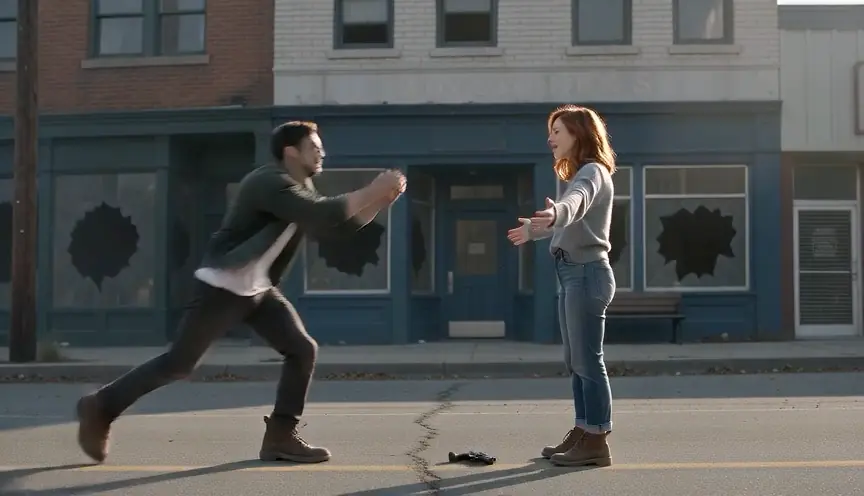
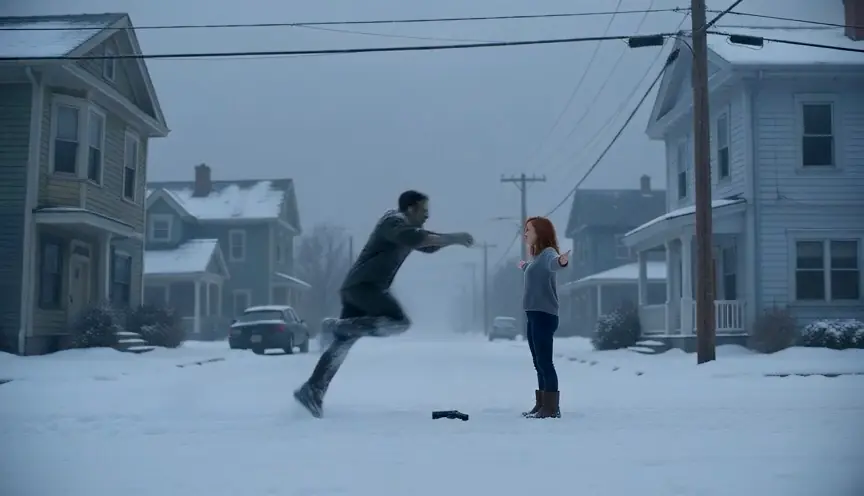
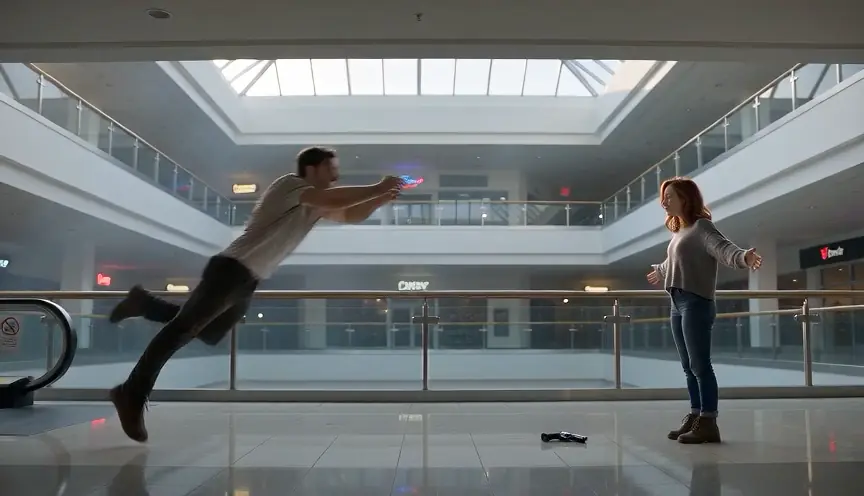
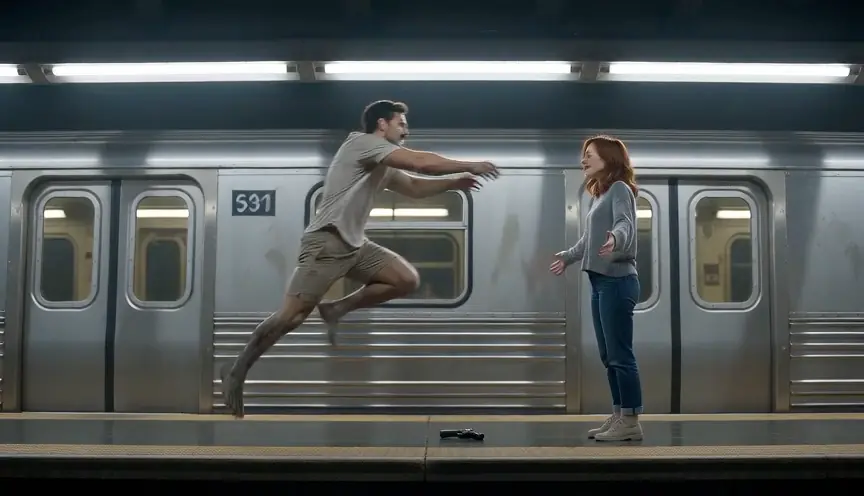
From independent creators
Questions and answers
AI zombie love story questions
Question not answered here? Write to us or check the prices.
01Can I write my own dialogue for the couple?
No. This flow uses a built-in story and does not accept custom dialogue or shot-by-shot editing.
02Can pets be part of a reunion?
Yes. Choose Pet for one person and one dog or cat. Couple mode is for two people.
03How many photos are required?
Two separate photos are required, one for each role. A single shared photo is not supported in this effect.
04Will the generated result match both photos exactly?
No. The references guide the model, but faces, movement and scene details may vary. Review the complete MP4 before sharing.
Make your Halloween story
Make a personal Halloween reunion
Choose two references and a setting, then review the full result before sharing it with the people shown.