
AI Zombie Video Generators Compared: 3 Kinds of Tools
Search for an AI zombie video generator and you will find three kinds of tools that look alike but work differently: template sites that already know the story, general video models you prompt yourself, and phone apps with built-in effects. The right one depends on how much you want to direct and how you like to pay.
We make one of these tools, so read this as a description of the approaches, not a ranking. We do not list other services’ prices, which change too often to stay correct.
Updated
THREE KINDS
Template, prompt tool or phone app?
- What each needs
- Checks before paying
- Our full price list
The three kinds
| Kind | You provide | You get | Good when |
|---|---|---|---|
| Template site (like AI Halloween) | Two photos, a few choices | The trend story, ready | You want the trend quickly |
| General video model | A prompt, photos, editing | Whatever you can direct | You want your own plot |
| Phone app effect | A selfie or a clip | A quick effect or filter | You want a face effect, not a story |
Questions to ask before paying
- Does it take two separate photos, one photo of both, or only one face?
- How long is the video, and is the trend story included or do you write it?
- What does one finished video cost at the quality you want, not just the cheapest setting?
- Is there a free preview, and is the free version watermarked?
- Is it a one-time pack or a subscription that renews?
- What happens to your photos, and for how long are they kept?
- Do you get your credits back when a render fails?
How AI Halloween answers those questions
- Two separate photos, one person or pet each. One photo of both is not supported.
- 15 seconds, seven shots, the trend story built in. You cannot rewrite it.
- 12 credits at 720p by default; every option is listed below.
- No free preview and no free render. No watermark on the MP4.
- One-time packs from 12 credits for $9.99; plans are optional and can be cancelled any time.
- Uploaded photos deleted 7 days after the render; videos kept until you delete them.
- Failed renders refunded automatically.
| Model | Quality | Credits for one film |
|---|---|---|
| Seedance 2.0 Mini | 480p | 6 |
| Seedance 2.0 Mini | 720p | 12 |
| Seedance 2.0 Fast | 480p | 10 |
| Seedance 2.0 Fast | 720p | 20 |
| Seedance 2.0 | 480p | 12 |
| Seedance 2.0 | 720p | 24 |
| Seedance 2.0 | 1080p | 60 |
| Seedance 2.5 | 480p | 20 |
| Seedance 2.5 | 720p | 44 |
| Seedance 2.5 | 1080p | 108 |
How to compare fairly
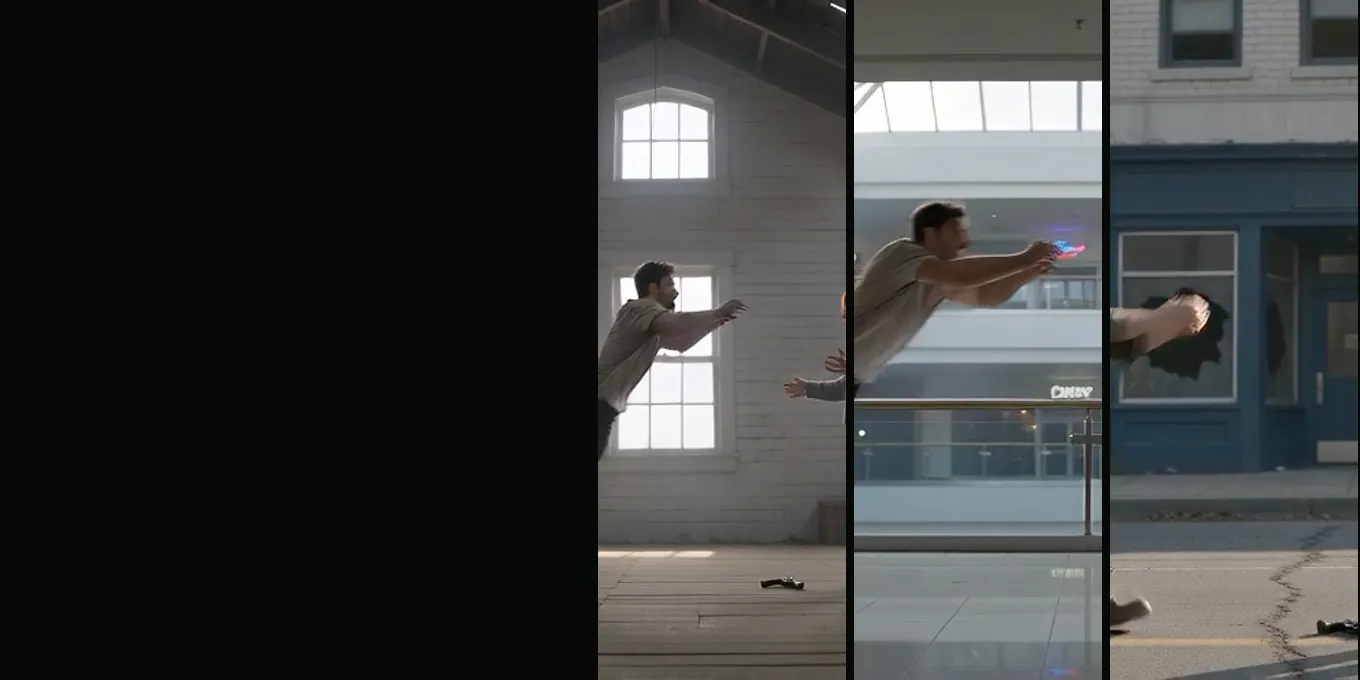
Use the same two photos in each tool, the same frame shape and a similar quality. Watch the zombie close-up and the last close-up for likeness, and the leap for the match cut. One render per tool is not enough to judge, because every render is a different take.
FAQ
- Which AI zombie video generator is the best?
- It depends on what you want: a template site for the trend as it is, a prompt-based model for your own story, an app filter for a quick face effect.
- Is there a free AI zombie video generator?
- Some tools have trials or free tiers with limits or watermarks; check their current terms. AI Halloween has no free render.
- Can I use one photo of both of us anywhere?
- Some tools accept it. AI Halloween needs two separate photos.
Read next
- 01Can You Make the Zombie Trend With Gemini or ChatGPT?What Google’s Gemini app and OpenAI’s Sora offered for video when we checked, and how to make the trend with them.
- 02How to Make an AI Zombie Video, Step by StepEvery step of the generator in order, from the two photos to the downloaded MP4, with what each choice changes.
- 03Best Photos for an AI Zombie Video: What to UploadA checklist for the two photos, including pets, and the problems each photo mistake causes in the film.
AI Halloween is made independently and is not connected with TikTok or any film or TV studio. Each creator’s clip stays theirs.