
A two-person transformation story
Turn into a Zombie in an AI Halloween Video
To turn yourself into a zombie here, add your photo as the returning character and a second person as the survivor. The Zombie effect makes a 15-second story from two separate photos; it is not a solo selfie filter or a one-photo transformation.
Your two photos
Left: the one holding the gun. Right: the one who turned. One person per photo.
Who has turned
Where it happens
Video
Ready in about 2 to 5 minutes. A failed render returns its credits. See prices
The short answer
To turn yourself into a zombie with AI on AI Halloween, upload your photo as the second character and another person's photo as the survivor. The built-in effect creates a 15-second zombie reunion story, not a still-image filter. The default Seedance 2.0 Mini setting at 720p costs 12 credits.
Updated
Put yourself in the right role
The second photo is the character who turns
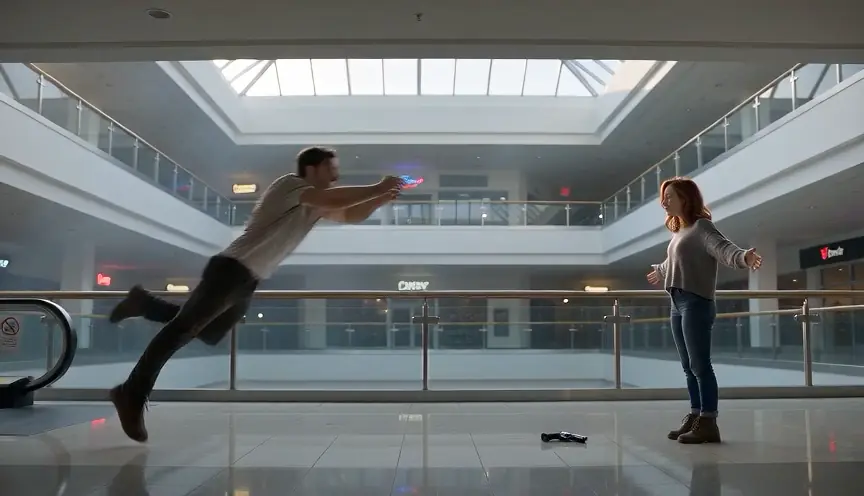
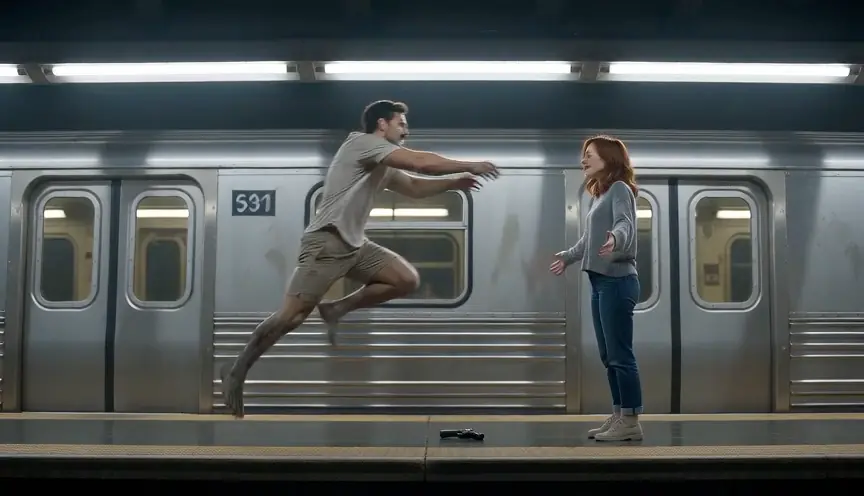
The generator has two photo slots. The first photo is the survivor, who raises and then drops the gun. The second photo is the person who returns as a zombie and is asked to leap into a hug before the story cuts to a warm memory.
This page is for a multi-shot Halloween video. It does not create a solo zombie portrait from one selfie, and the zombie effect does not provide a one-photo-of-both mode. For a still portrait, use a dedicated image filter instead.
Use a clear reference photo
Choose a well-lit image with one visible face and a simple background. The reference guides the model but cannot guarantee an exact likeness in every frame.
Assign the roles
Make the turning character yourself
- 01
Add the survivor first
Use a second person who agrees to be shown. This first slot is the survivor in the opening standoff.
- 02
Add your photo second
The second slot is the character who turns into a zombie. Check both labels before creating.
- 03
Choose a world and render
Select the opening setting and frame, then review the model and price on the create button.
What this effect does
A transformation inside a short story
- A role for each photo
- Separate references help distinguish the survivor from the returning zombie character.
- A stylized Halloween look
- The prompt asks for an undead transformation without blood or wounds; review the generated result.
- A reunion ending
- The fixed sequence asks the characters to embrace and then cuts to a warm memory.
AI zombie video or one-photo zombie filter?
A filter changes one still image. AI Halloween creates a sequence with two roles, scene changes, movement and sound. Use this generator when you want the short reunion story; choose an image tool when you only need a transformed portrait.
- The built-in prompt asks for no blood or wounds, but model results can contain unexpected details. Inspect the full export before sharing.
- The second photo supplies the returning character. If you want to show yourself as the zombie, upload your portrait second and the survivor first.
- Reference photos guide the model but cannot guarantee a perfect likeness in every frame.
Watch the format
Halloween zombie film examples
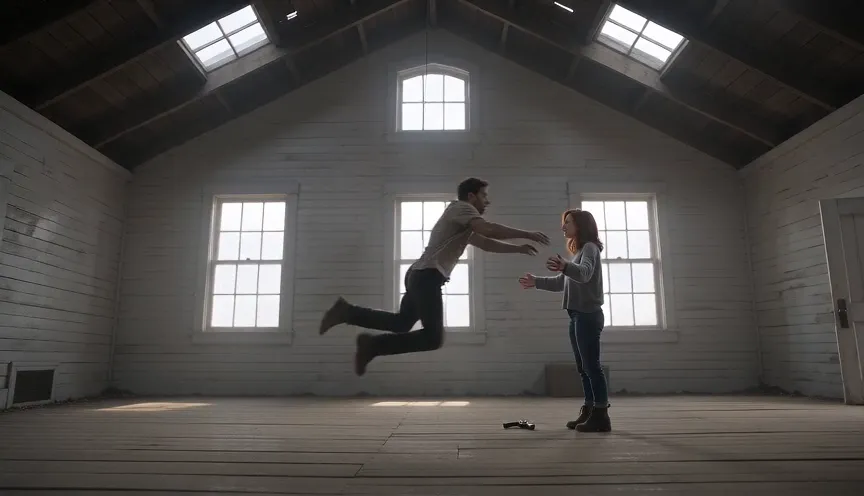
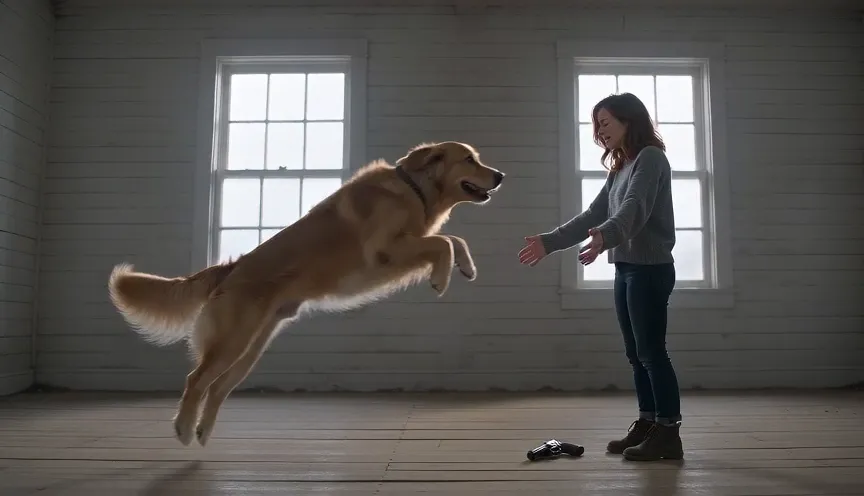
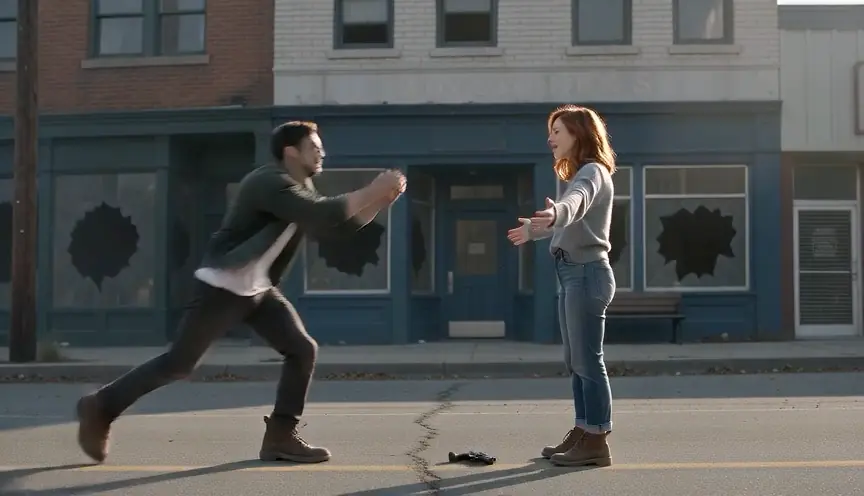
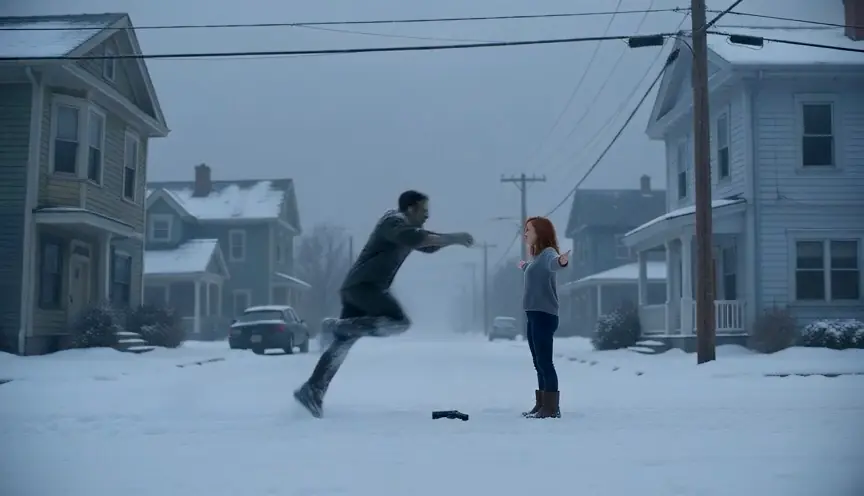
Local previews are test renders made with fictional inputs. Public videos are embedded from their original posts and credited to the creators; each player loads after you press play.
Pipeline test renders
From independent creators
Check the format first
Turn into a zombie with AI: questions
Question not answered here? Write to us or check the prices.
01Can I turn into a zombie from only one selfie?
Not with this effect. It uses two separate photo slots for a survivor and the character who turns.
02Which slot should contain my photo?
Upload your photo in the second slot, labeled for the character who turns. The first slot is the survivor.
03Is this a live camera filter?
No. It generates a 15-second MP4 from uploaded photos; it is not a live camera effect or a still-image filter.
04How much does a render cost?
The default Seedance 2.0 Mini render at 720p costs 12 credits for 15 seconds. The generator displays the current cost before rendering.
Choose your role
Make a two-photo zombie transformation video
Add the survivor first and your photo second, then review the settings and credit cost.