
Can You Make the Zombie Trend With Gemini or ChatGPT?
You can try the zombie trend in a general AI assistant, but you will be doing the director’s job: writing the shots, fitting them into a short clip and often joining two clips. This guide summarises what Google and OpenAI published about their video tools when we checked on October 12, 2026, and how the trend fits into those limits.
These products change often. Check their own pages before you rely on any number here.
Updated
CHECKED OCT 12
The zombie trend in Gemini or ChatGPT
- 10-second clips
- Photo consent rules
- Join two clips
Gemini (Google)
- Google’s Gemini video page lists Gemini Omni 1.1 Flash as the video model in the Gemini app, replacing Veo 3.1.
- It lists 10-second videos, turning photos into a video (up to 5 photos), and native audio.
- It says a Google AI subscription is required and lists an age requirement of 18+; features vary by plan and country.
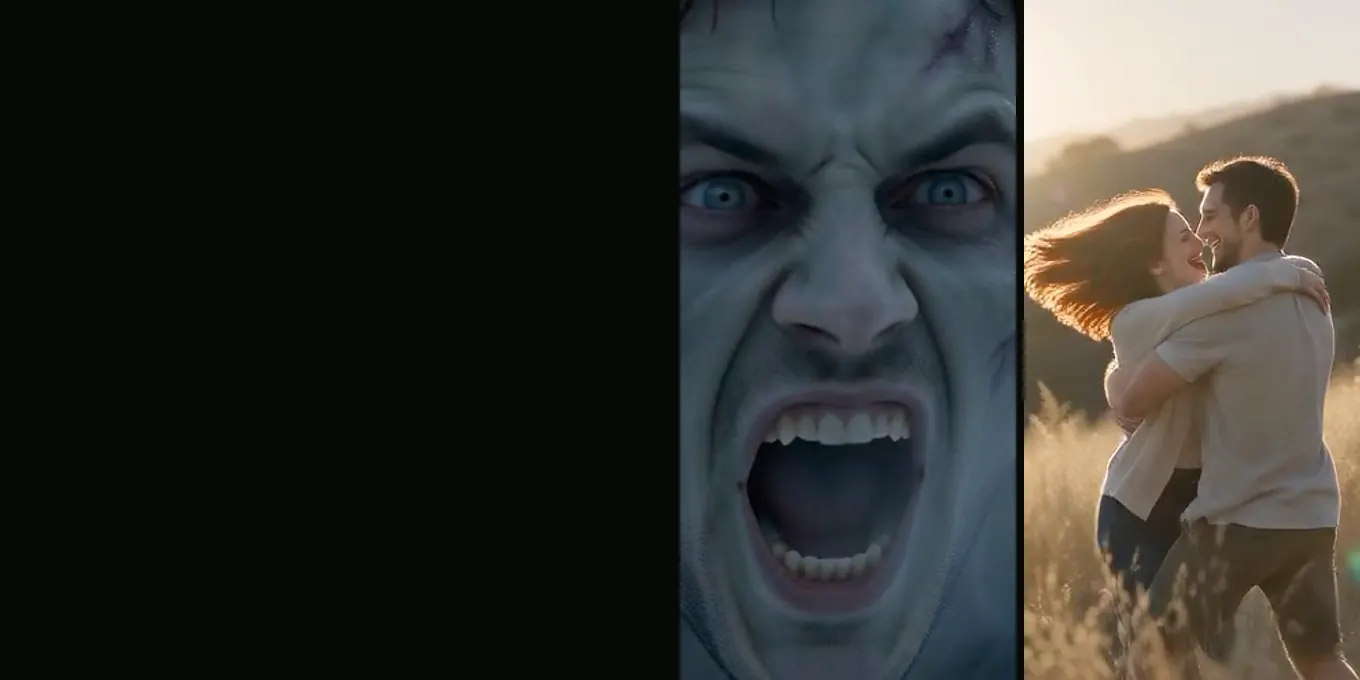
Our zombie prompt is timed for 15 seconds, so a 10-second clip cannot hold all seven shots. Split it: the standoff and the leap (shots 1 to 5) in one clip, the meadow (shots 6 and 7) in a second, and join them with a match cut.
ChatGPT and Sora (OpenAI)
OpenAI makes video through Sora. Its "Creating with Sora safely" page says you can upload images that include people only after confirming you have their consent and the right to use the image, that such generations get stricter guardrails, and that images that appear to include minors are rejected. We did not find a current official figure for clip length, so check the app.
How to make the trend in a prompt tool
- Copy the zombie love story prompt and shorten it to the tool’s clip length.
- Give it your two photos as references, following the tool’s consent rules.
- Generate the standoff and leap, then the meadow, as separate clips if needed.
- Join them in an editor with a match cut on the leap (how).
- Fix what drifted (furniture, a healthy-looking zombie, a gun in the meadow) and render again.
Prompt tool or template site?
| General AI video tool | AI Halloween | |
|---|---|---|
| What you write | The whole shot list | Nothing; pick photos and a world |
| Clips per film | Often two, joined by you | One 15-second file |
| Control | Full: any plot, any ending | Fixed story, five worlds |
| Payment | A subscription to the assistant | Credits per film: 12 at 720p |
FAQ
- Can Gemini make the whole zombie trend in one clip?
- Its page listed 10-second videos when we checked, which is shorter than our 15-second shot list. You would need to shorten the story or join two clips.
- Can I use a photo of my partner in Sora?
- OpenAI says you must confirm consent and rights for images with people, and rejects images that appear to show minors. Follow its current rules.
- Is it cheaper to use an assistant I already pay for?
- If you already subscribe and have video quota left, it may cost nothing extra. It takes more time and editing.
Sources
Read next
- 01How the Zombie Leap Match Cut Works (and How to Edit One)The match cut at 9 seconds that turns the zombie’s leap into a hug, and how to build one in an editor.
- 02AI Zombie Video Generators Compared: 3 Kinds of ToolsThree kinds of AI zombie video tools, what each asks of you, and a checklist for comparing them before paying.
- 03Edit Your AI Zombie Video in CapCut: Song, Text, ExportA finishing pass in CapCut or any phone editor: captions, sound, crop, slow motion and export.
AI Halloween is made independently and is not connected with TikTok or any film or TV studio. Each creator’s clip stays theirs.