
Best Photos for an AI Zombie Video: What to Upload
The film is only as recognisable as the photos. The model follows the face, hair and build in each photo through seven shots, including a zombie close-up and a full-body leap, so a photo that hides the face or crops the body causes problems later.
You do not need a studio picture. A normal phone photo in daylight is usually enough.
Updated
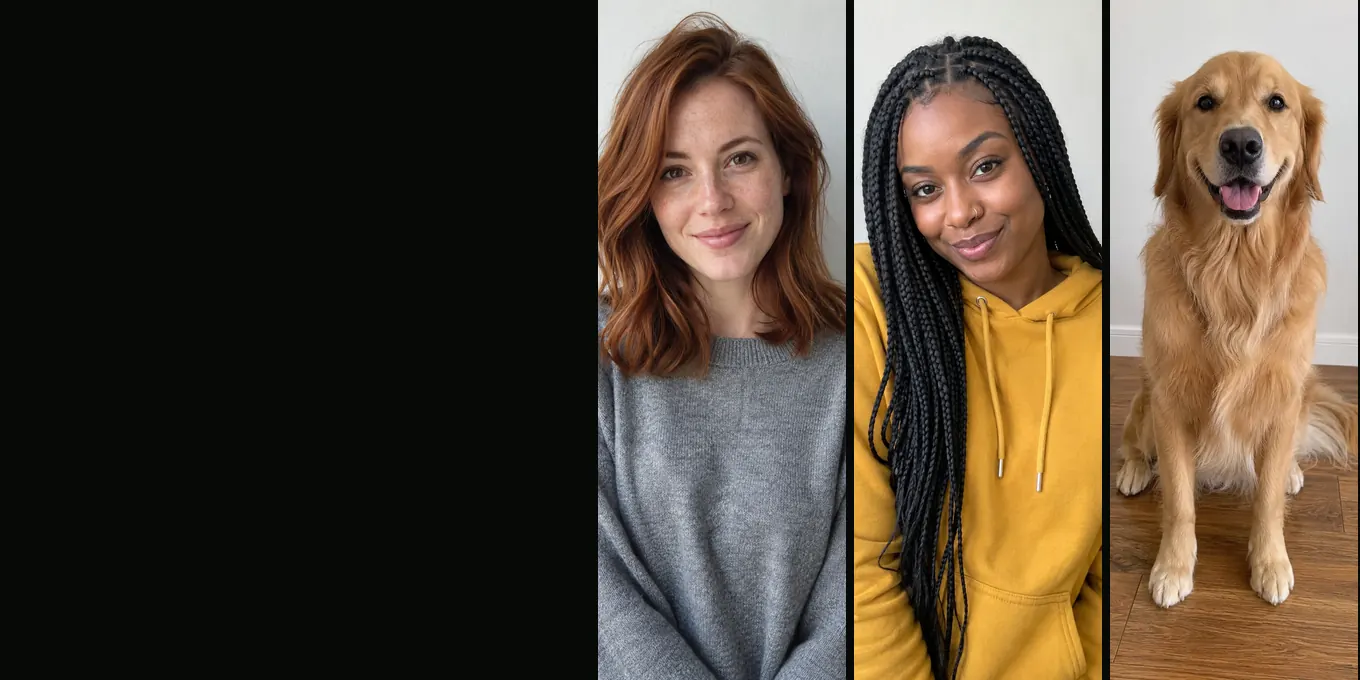
CASTING
Photos that keep your face in every shot
- One face each
- Waist-up or full body
- Pets: eyes and coat
The checklist
| Do | Why |
|---|---|
| One person (or one pet) per photo | Each photo becomes one character |
| Face visible, looking roughly at the camera | The close-ups depend on it |
| Waist-up or full body | The leap shows the whole body; a face-only crop leaves the model guessing |
| Daylight or even light | Hard shadows can turn into odd marks on the zombie face |
| Recent and unfiltered | The model copies beauty filters and old hairstyles too |
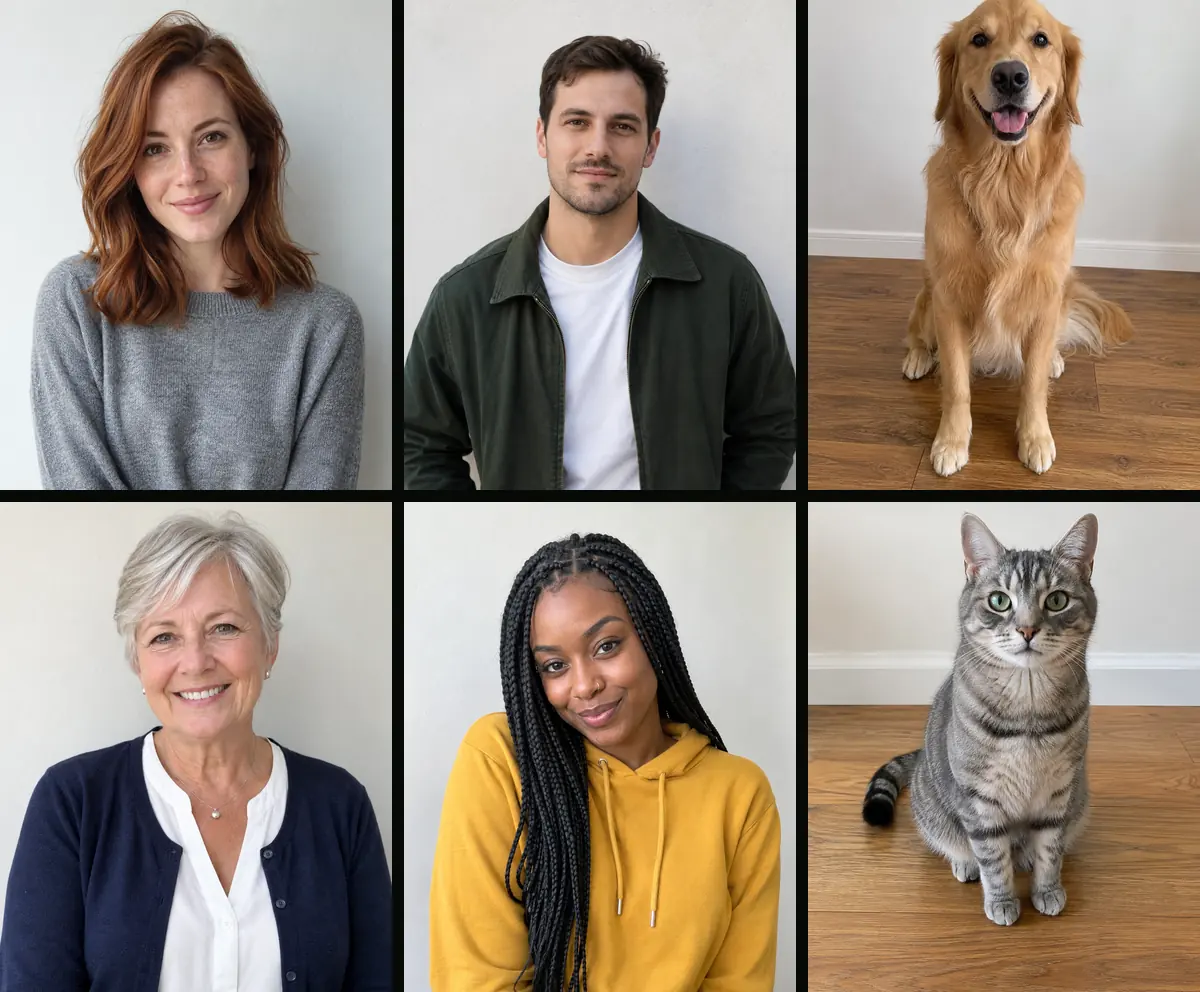
What to avoid
- Sunglasses, masks, a hand or hair over the face.
- Group photos where the person is small. Crop to one person first.
- Heavy filters, cartoon effects or a photo that is already a zombie filter.
- Very low-resolution screenshots.
- Photos of people who did not agree to appear, and of children without a parent’s consent.
Photos of a dog or cat
In Pet mode the right photo should show one animal, eyes open, with the coat colour and markings clearly visible, ideally head and body. Daylight at the animal’s eye level works best. A sweater or costume hides the markings the model is asked to keep. See zombie pet video.
What gets refused
Every photo goes through a content check when you add it. If it fails, you are asked to choose another photo, and nothing is charged. The generator also needs the image to be large enough to read; tiny thumbnails may be refused.
How photo mistakes show up in the film
| Photo problem | What you may see |
|---|---|
| Face partly hidden | A different-looking person in the close-ups |
| Face-only crop | An invented body, clothes or height in the leap |
| Two people in one photo | The wrong person turns, or both blend together |
| Strong filter | Smooth, doll-like skin in the meadow ending |
If the film still does not look like you, see AI zombie video doesn’t look like you.
FAQ
- Can I use a selfie?
- Yes, if your face is clear. A waist-up photo works a little better because the leap shows your body.
- Can I use an old photo?
- Yes. The film will look like the photo, not like you today.
- Do the two photos need to match?
- No. Backgrounds are ignored; the prompt says to ignore the photo backgrounds. Similar framing helps a little.
- Can I use glasses?
- Clear glasses are usually fine. Sunglasses hide the eyes the zombie close-up depends on.
Read next
- 01AI Zombie Video Doesn’t Look Like You? 7 FixesSeven fixes for likeness and casting problems, from swapping the photos to choosing a better close-up photo.
- 02How to Make an AI Zombie Video, Step by StepEvery step of the generator in order, from the two photos to the downloaded MP4, with what each choice changes.
- 03Make the Zombie Trend With Your Best Friend or MomThe friend and family version of the zombie trend: casting, tone, captions and the two-person limit.
AI Halloween is made independently and is not connected with TikTok or any film or TV studio. Each creator’s clip stays theirs.