
Edit Your AI Zombie Video in CapCut: Song, Text, Export
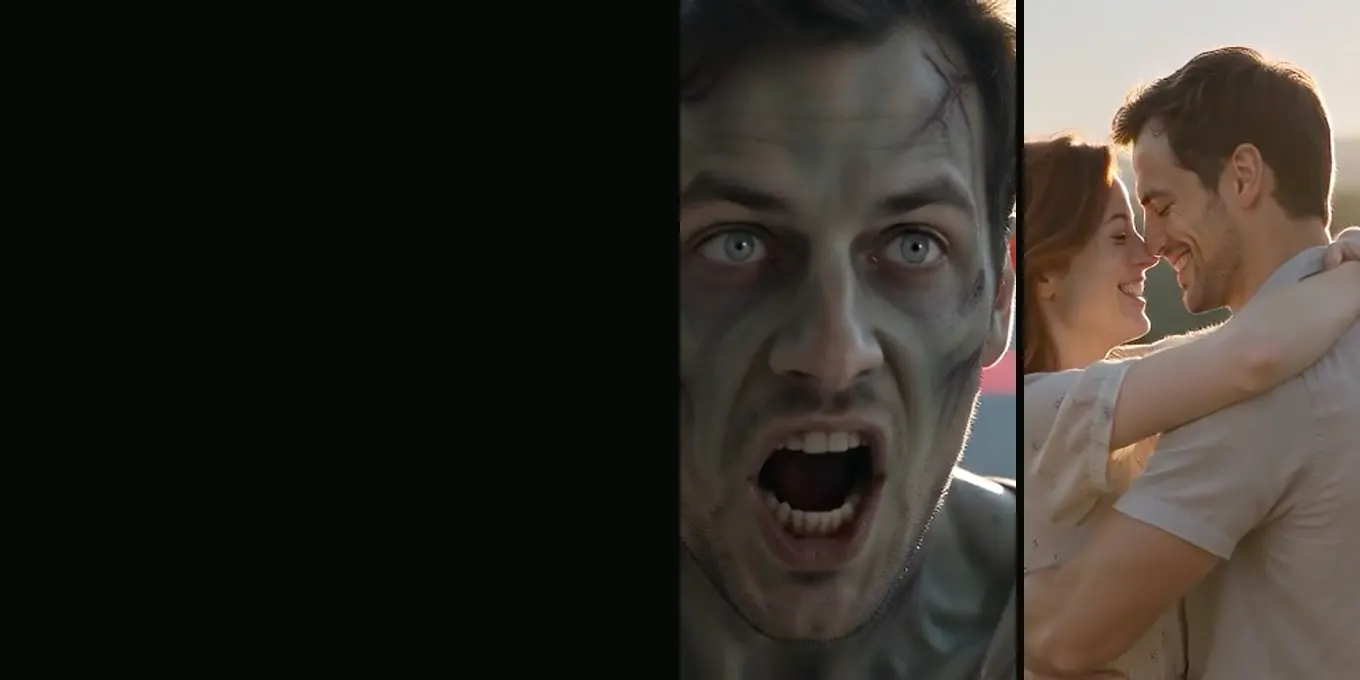
The MP4 from AI Halloween is already a finished 15-second film with its own sound. You do not have to edit it. Editing helps when you want a caption, a different sound under it, a crop for a different platform, or a slower leap.
The steps below use CapCut because many people already have it, but any phone editor with text, audio and export settings works the same way. Menu names change between app versions, so look for the function rather than the exact label.
Updated
FINISHING
Edit the zombie video in CapCut
- A caption
- The trend sound
- A slower leap
Before you open the editor
- Download the MP4 from My videos to your phone.
- Render in the frame you will post: 9:16 for TikTok and Reels, 16:9 for YouTube. Cropping a 16:9 film to 9:16 later cuts off the two people at the sides.
- Keep the original file. Export a new copy from the editor.
A five-minute finishing pass
- New project, import the MP4.
- Add one line of text in the first 2 seconds, above or below the faces, not over them.
- Optional: add music. Lower the original sound only after the 9-second cut if you want to keep the growl and the dropped gun.
- Optional: slow the leap. Split the clip around 7 to 9 seconds and slow that part to about 70 percent.
- Export at the same resolution you rendered (720p or 1080p) and 30 fps or the original frame rate.
Adding the trend song
The song people use with the zombie trend is licensed music. It is not in our file, and adding it inside an editor does not always give you the right to post it. The safest way is to add the sound inside TikTok or Instagram when you post, from their own library, where it is licensed for that platform.
Common edits and how to do them
| You want | Do this |
|---|---|
| A caption on screen | Text tool, first 2 seconds, keep it off the faces |
| A slower leap | Split at about 7 s and 9 s, slow the middle part |
| Silence before the cut | Fade the audio down from 8 s, back up at 9 s |
| A longer memory | Freeze or slow the last 2 seconds |
| End before the forehead close-up | Trim at 12 s (for family versions) |
FAQ
- Does editing lower the quality?
- Only if you export at a lower resolution. Export at the same resolution you rendered.
- Can I add text in the AI Halloween generator?
- No. The film has no text on screen; add it in an editor or in the app you post with.
- Is there a CapCut template instead?
- Template versions use your existing clips. Our generator makes the clips for you, so you only need an editor for finishing touches.
Read next
- 01Zombie Video Captions and Sounds for TikTok and ReelsCaption lines by tone, what the film already sounds like, and how to add music and an AI label when you post.
- 02How the Zombie Leap Match Cut Works (and How to Edit One)The match cut at 9 seconds that turns the zombie’s leap into a hug, and how to build one in an editor.
- 03How to Make an AI Zombie Video, Step by StepEvery step of the generator in order, from the two photos to the downloaded MP4, with what each choice changes.
AI Halloween is made independently and is not connected with TikTok or any film or TV studio. Each creator’s clip stays theirs.