
Set the outbreak scene for Halloween
Make a Zombie Apocalypse AI Video from Two Photos
Use two separate portraits in a 15-second Halloween zombie story. Choose a farmhouse, fallen city, blizzard, empty mall or night subway for the opening encounter; the built-in sequence then moves toward a reunion and memory.
Your two photos
Left: the one holding the gun. Right: the one who turned. One person per photo.
Who has turned
Where it happens
Video
Ready in about 2 to 5 minutes. A failed render returns its credits. See prices
The short answer
AI Halloween turns two separate photos into a 15-second AI zombie story. The Zombie effect follows a fixed shot sequence: an outbreak standoff, a dropped gun, a reunion hug and a warm memory. Seedance 2.0 Mini at 720p is the default and costs 12 credits; the generator shows the selected cost before rendering.
Updated
Choose an outbreak backdrop
The world changes the opening atmosphere
The zombie effect uses a chosen world for its first part, where the survivor meets the returning character. Fallen City gives the story an urban aftermath; the farmhouse feels close and isolated; a blizzard, empty mall or night subway creates a different setting.
The rest of the sequence stays built in: the survivor lets the gun drop, the characters reunite, and the closing scene moves to a warm memory. Scene selection does not create an open-world story or let you rewrite the shots.
Keep the characters easy to read
Use one clear subject in each upload and choose a frame that leaves room for both characters. A setting preview is guidance; the rendered video can interpret scenery and movement differently. For a readable short, keep the encounter centered on one visible action. Choose a wide frame when the setting matters, or vertical framing for a phone-first post.
Build the scene
Choose the cast, world and frame
- 01
Upload both references
Use one photo for the survivor and one for the person or pet who turns. Confirm the role labels before creating.
- 02
Choose one of five worlds
Set the opening in a farmhouse, fallen city, blizzard, empty mall or night subway.
- 03
Set the output and price
Choose the available frame and model quality. The create button shows the exact credit cost before submission.
A short, directed format
An apocalypse setup with a reunion ending
- Two visual references
- Anchor the two roles with separate photos rather than a text-only cast description.
- Five opening backdrops
- Switch between a farmhouse, ruined city, blizzard, empty mall and night subway.
- A fixed 15-second sequence
- The selected world changes the opening setting; the prompt supplies the remaining story beats.
The five worlds in the zombie apocalypse video
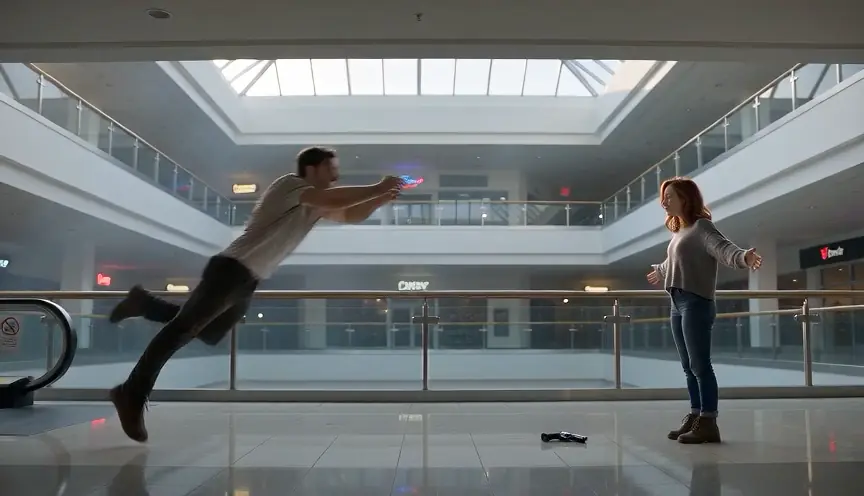
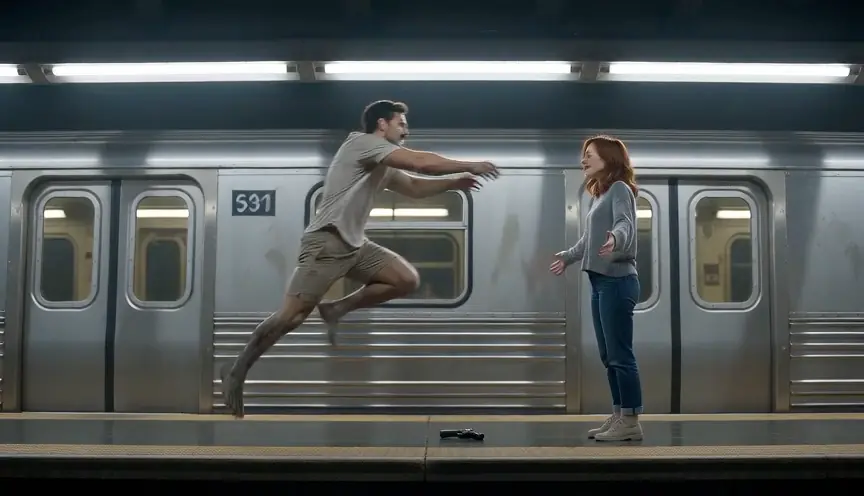
These settings are selectable opening worlds in the generator. They are not a promise that every background detail will match the preview. Farmhouse keeps the first encounter close and contained, while Fallen City makes the aftermath feel urban. Blizzard reduces visibility, Empty Mall gives the characters a broad public space, and Night Subway shifts the scene underground. The world only guides the opening; the built-in reunion and memory beats remain the same. Choose a frame that suits where you plan to post, then inspect the generated MP4 for composition, movement and sound before sharing.
- Farmhouse: a close, quiet and isolated opening.
- Fallen City: an urban outbreak aftermath.
- Blizzard, Empty Mall and Night Subway: low visibility, broad abandoned space and underground suspense.
Watch the format
Halloween zombie film examples
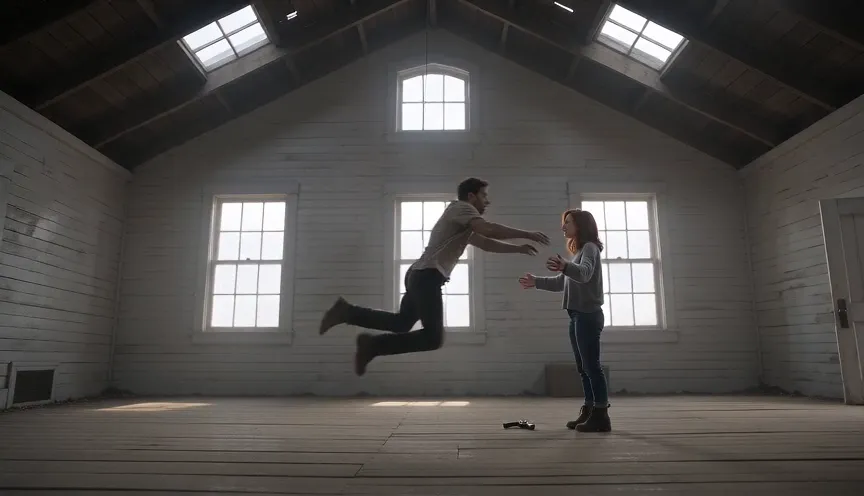
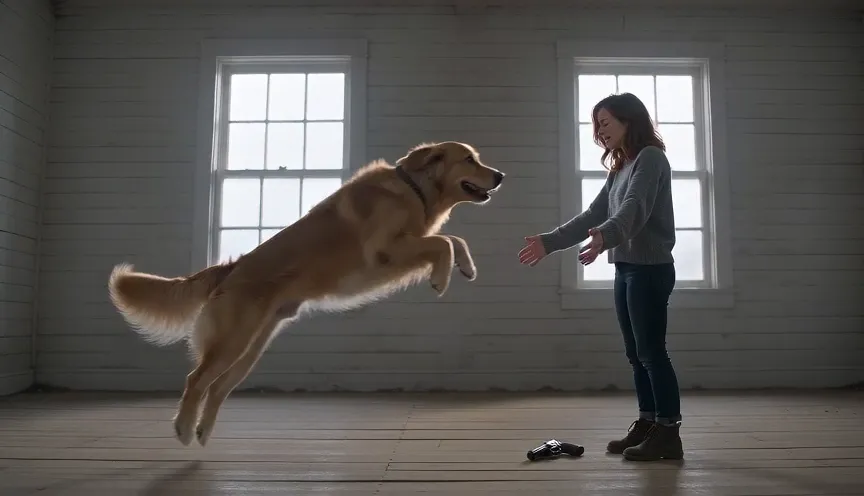
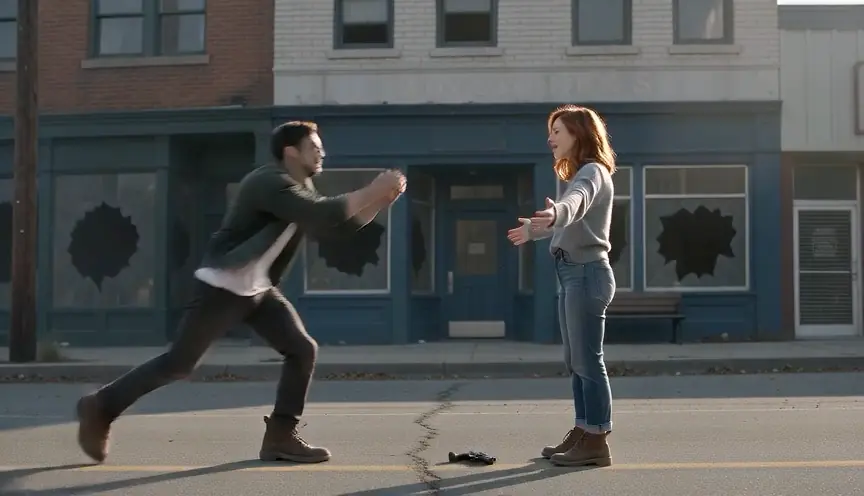
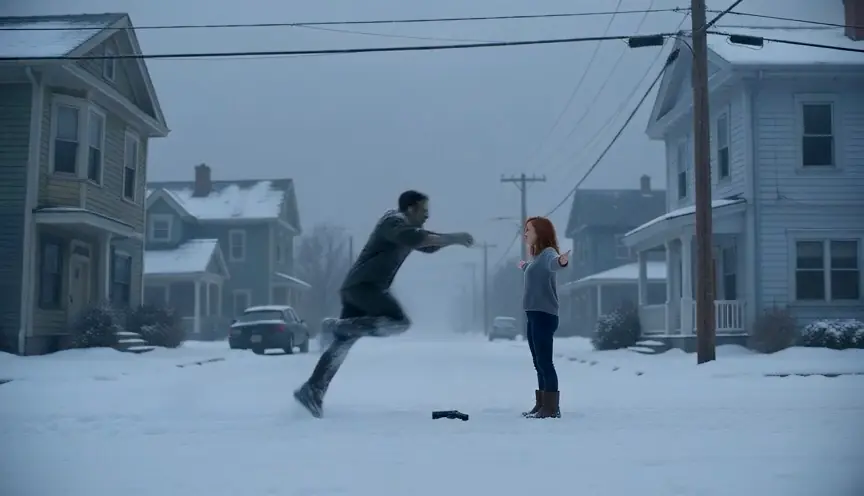
Local previews are test renders made with fictional inputs. Public videos are embedded from their original posts and credited to the creators; each player loads after you press play.
Pipeline test renders
From independent creators
Before you render
Zombie apocalypse AI video questions
Question not answered here? Write to us or check the prices.
01Can I write a custom apocalypse plot?
The Zombie effect uses a built-in shot sequence. You can change the cast, opening world, model, quality and frame, but not rewrite each shot in this flow.
02Which world looks most like an apocalypse?
Fallen City is the available ruined-urban setting. The other four worlds offer different opening atmospheres.
03How much does the video cost?
The default 15-second Seedance 2.0 Mini render at 720p costs 12 credits. Check the create button for the selected model and quality.
04Will the video always include the same scene details?
No. The scene and story are guided by the effect prompt, but AI video output varies. Review the full MP4 before sharing.
Choose the world
Set the scene for your AI zombie video
Upload two references, choose an opening world and confirm the price shown in the generator.