
Pet mode
Zombie Pet Video: Turn Your Dog or Cat into a Zombie
Yes, your dog or cat can be the zombie. On AI Halloween (aihalloween.org), choose Pet, put your own photo on the left and your pet’s on the right. In the 15-second film your pet comes back as a zombie with white eyes and patchy fur, you drop the gun, and it leaps into your arms in a sunny meadow, healthy again.
Cast your two photos
Left: you, holding the gun. Right: your dog or cat.
Who plays the zombie
Where the standoff happens
Video
Render time: up to about 5 minutes. If it fails, the credits come back. See prices
The short answer
To turn your dog or cat into a zombie with AI, open AI Halloween (aihalloween.org), choose Pet under "Who plays the zombie", add your photo on the left and one clear photo of your pet on the right, then create. The 15-second MP4 ends with you hugging your pet in a meadow. It costs 12 credits at 720p; there is no free preview.
Updated
How Pet mode differs
What changes when a pet turns
Pet mode uses the same seven shots as the couple version, with two changes. The zombie is your animal, asked to keep the breed, size, coat colour and markings of your photo while getting milky white eyes, patches of grey skin through matted fur, a torn ear and bared teeth. And the last shot is you hugging your pet to your face, with no second person in it.
You are always the human with the gun. There is no mode in which the pet holds the gun or in which two pets appear; the right photo should show one dog or one cat.
What our dog test showed
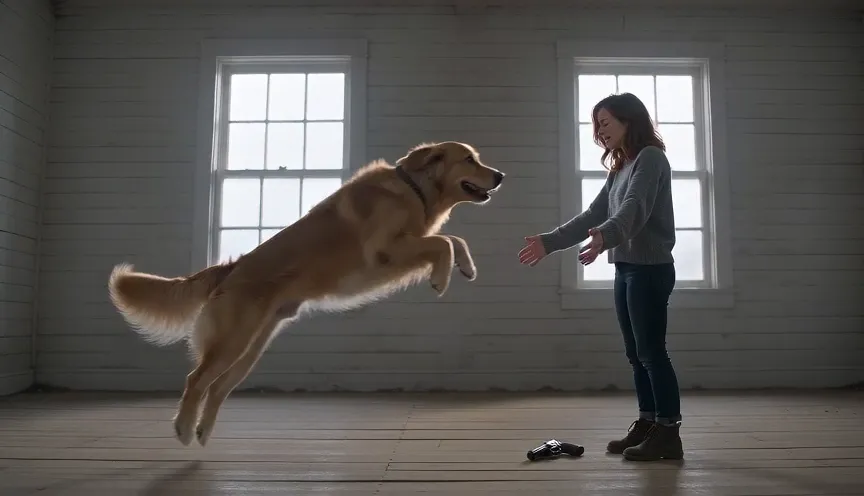
In our first test with a golden retriever the dog came back with normal, friendly eyes and did not read as a zombie. The pet prompt was rewritten to ask for completely white eyes and grey skin showing through the fur, and the retest looked like a zombie dog. In later tests the dog sometimes looked healthy again too early, in the wide leap shot, and a cat kept its green eyes. The pet prompt was strengthened again on October 10, 2026 (eyes "completely milky white like frosted glass") and has not been retested yet.
Make it
How to make a zombie pet video
Step 1
Choose Pet
Under "Who plays the zombie", switch from Couple to Pet. The hint above the photos changes to "you, holding the gun" and "your dog or cat".
Step 2
Add your photo and your pet’s
Left: you, face clear. Right: your pet in daylight, whole body or at least head and chest, eyes open, nothing covering the coat.
Step 3
Pick a world and create
Farmhouse keeps the focus on the animal. Check the price on the button, then create.
What you get
What the zombie pet video shows
- Your pet, turned
- Same breed and markings as your photo, with white eyes, patchy fur and a cracked muzzle, no blood or wounds.
- You, choosing not to shoot
- Teary close-up, the gun drops, you open your arms as your pet runs at you.
- The reunion
- The leap lands in a meadow: your pet healthy again, clean coat, bright eyes, hugged to your face.
No. 01
No. 02
No. 03
Which pet photo works best
- One animal only, filling a good part of the frame.
- Daylight, eye level, eyes open and visible.
- The coat pattern and colour clearly visible; no costume, sweater or heavy filter.
- A plain background helps the model separate the animal from the room.
- Cats and small dogs work too; the last shot is a close hug, with your pet held to your face.
Do not stress your pet for a new photo. A normal, relaxed picture from your camera roll is enough. More detail: best photos for an AI zombie video.
Is it too scary to share?
The zombie half shows your pet with white eyes and bared teeth for a few seconds. The script asks for no blood and ends warmly, but children and some pet owners may find the turned version upsetting. Watch it yourself first, and caption it as an AI effect when you post.
Screenings
AI zombie Halloween films to watch first
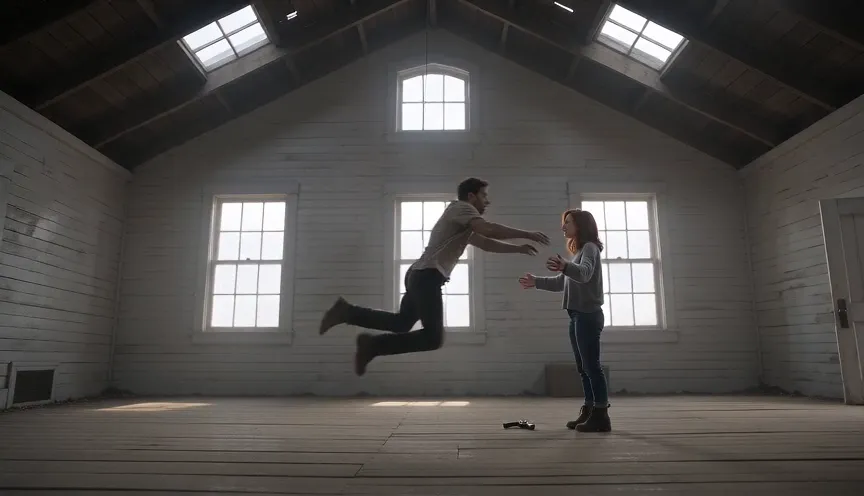
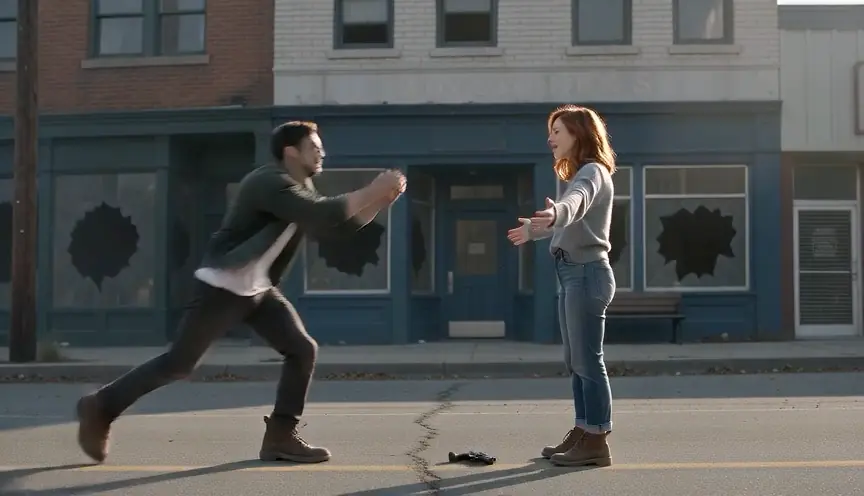
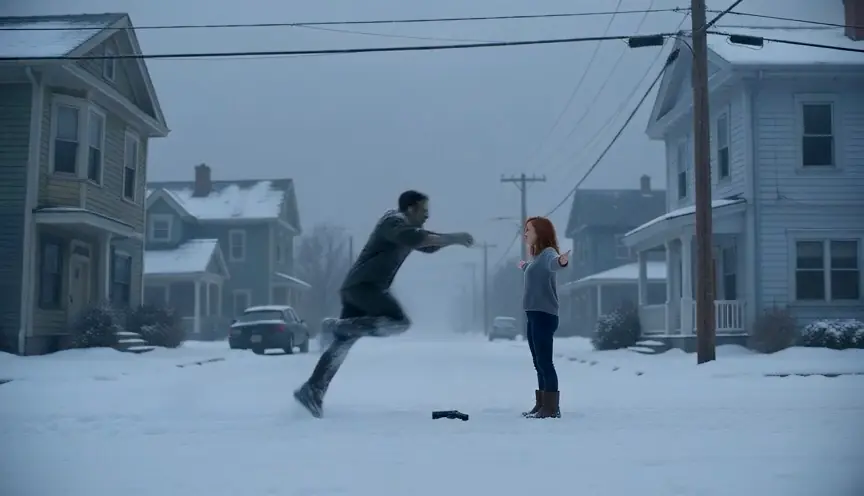
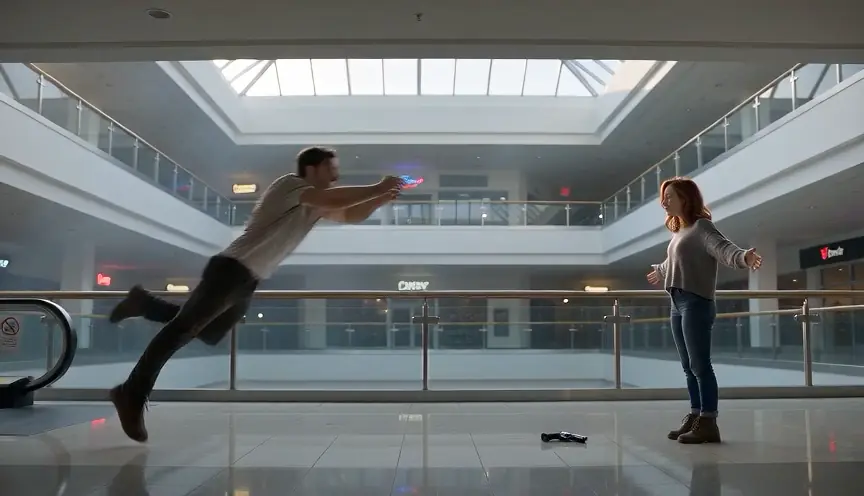
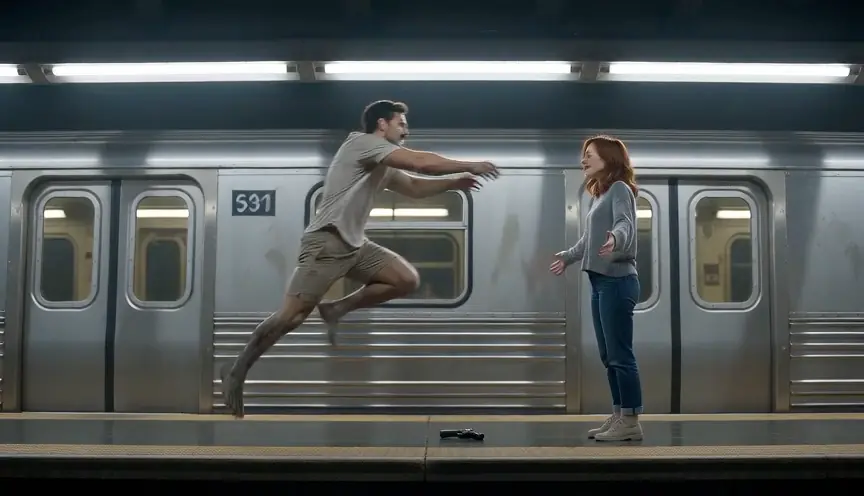
Our own pipeline tests (made from AI-generated people) and Shorts by independent creators, played in YouTube’s own player when you hover or tap, muted at first and credited to the creator.
From independent creators
Pipeline test renders
Can I use a cat instead of a dog?
Yes. Pet mode accepts one dog or one cat in the right photo.
Can two pets be in the video?
No. Pet mode has one human (you, with the gun) and one animal. Put a single pet in the right photo.
Will it look exactly like my pet?
It is asked to keep the breed, size, colour and markings, and a clear photo helps a lot. Exact markings are not guaranteed; check the close-ups.
Do I have to be in the video?
Yes, someone has to be the survivor. Use your own photo or one of a person who agrees to appear.
How much does a zombie pet video cost?
12 credits at the default 720p, 6 at 480p. The smallest pack is 12 credits for $9.99.
Pet mode is one tap away
Turn your dog or cat into a zombie
The generator below already starts in Pet mode. Add your photo, then your pet’s.