
Choose the right Halloween format
Looking for an AI Zombie Filter?
AI Halloween does not currently turn one portrait into a still zombie filter. Its Zombie effect makes a moving Halloween story from two separate photos. Use this generator if you want a reunion video; choose an image editor for a single transformed portrait.
Your two photos
Left: the one holding the gun. Right: the one who turned. One person per photo.
Who has turned
Where it happens
Video
Ready in about 2 to 5 minutes. A failed render returns its credits. See prices
The short answer
An AI zombie filter usually means changing one still portrait. AI Halloween currently offers a different format: a fixed 15-second story made from two separate photos, with an opening encounter, a requested reunion and a warm memory. It does not make a single-photo zombie portrait.
Updated
Choose the right Halloween format
A portrait filter and a zombie video solve different tasks
Choose a still-image filter when the goal is one transformed profile picture or poster. Choose AI Halloween when you want two characters, movement, a scene change and a short Halloween story.
The distinction matters before uploading: the Zombie effect requires one photo per role. It cannot convert only your selfie, and it does not accept one group photo for both roles.
What this page can help you make
The generator below creates a two-photo video, not a still portrait. If that is the format you need, assign one person to each photo slot and check the credit cost before creating.
Three steps
Decide between a photo and a story video
- 01
Prepare
Use a portrait image tool if you only need one still frame with a zombie look.
- 02
Choose
Use the Zombie video effect when you have two separate references and want a moving reunion story.
- 03
Review
Check both uploaded roles, the chosen frame and the displayed price before rendering.
What to expect
Know the product boundary before you start
- References
- A single-photo portrait filter is not available in this product.
- Story
- The Zombie video uses two roles and a built-in shot sequence.
- Settings
- The generated video can vary; inspect the export before sharing.
AI zombie filter or video: quick comparison
The best choice depends on the output you want. This page does not claim that AI Halloween includes a still-image filter. For a portrait effect, compare editors by export resolution, watermark policy and whether processing happens locally or on a server. A short video takes longer to render, uses more data and may need a caption or sound check. Decide where the result will appear, check the frame keeps both subjects visible, and review the credit cost shown before submission. If privacy matters, read the image tool’s upload and retention terms before sending a portrait. If you only need a quick avatar, a still image is easier to save and crop. If you want the characters to move through a short story, use the video format and plan time to preview the result on the screen where it will appear.
- One portrait, one static image: use a dedicated image editor.
- Two references, movement and a reunion: use the AI Halloween Zombie video generator.
- A custom plot or frame-by-frame prompt: use a prompt-led video tool.
Watch the format
Halloween zombie film examples
Local previews are test renders made with fictional inputs. Public videos are embedded from their original posts and credited to the creators; each player loads after you press play.
Pipeline test renders
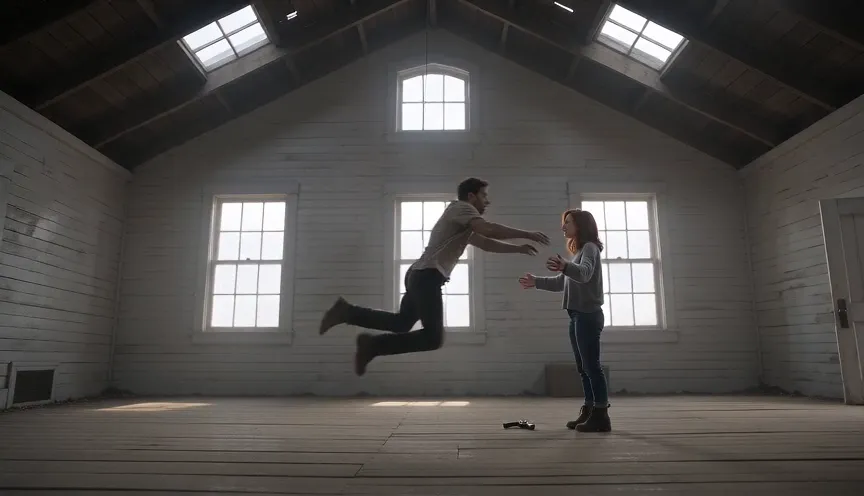
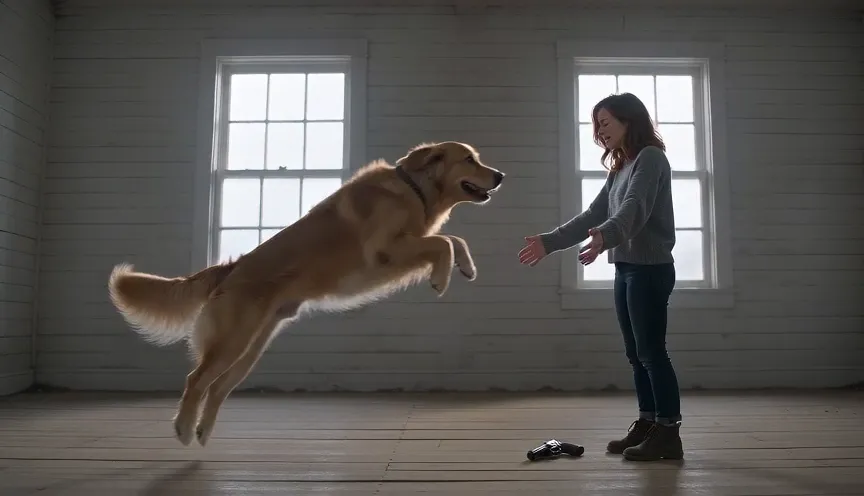
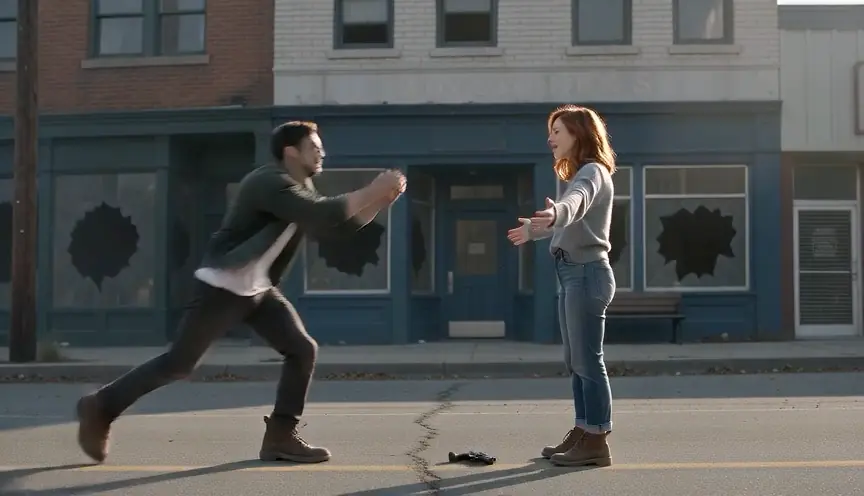
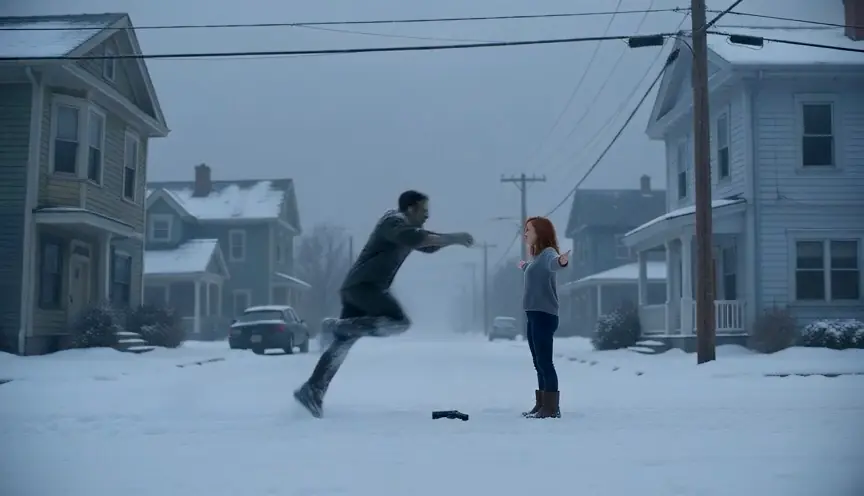
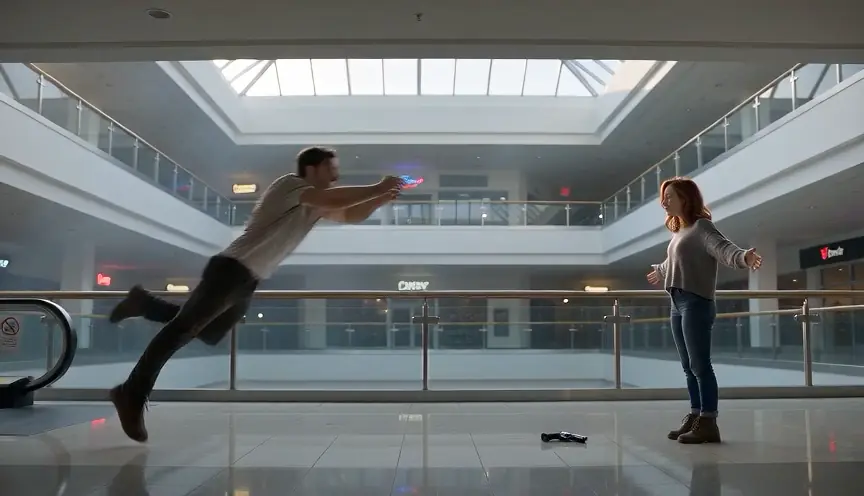
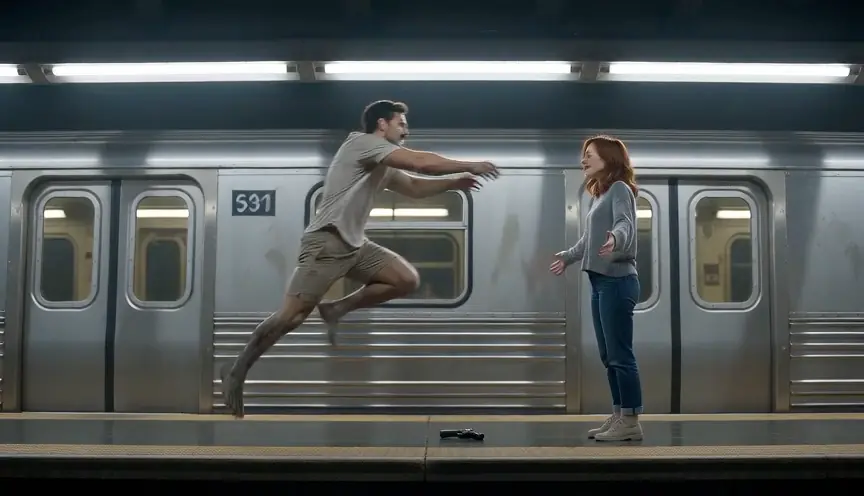
From independent creators
Questions and answers
AI zombie filter questions
Question not answered here? Write to us or check the prices.
01Can AI Halloween turn one selfie into a zombie portrait?
No. The current Zombie effect makes a video from two separate photo slots. It is not a one-photo image filter.
02Can I upload one photo of two people?
No. This effect uses one separate reference photo for each role.
03What should I use for a moving Halloween clip?
Use the two-photo Zombie story. The default Seedance 2.0 Mini setting at 720p costs 12 credits for 15 seconds. The generator shows the selected cost before rendering.
04Will the generated result match both photos exactly?
No. The references guide the model, but faces, movement and scene details may vary. Review the complete MP4 before sharing.
Make your Halloween story
Choose a still filter or a two-photo story
If you want a moving reunion rather than a transformed portrait, set up the two roles in the generator.