
A two-person Halloween story
Make an AI Zombie Couple Video
Use one portrait for each partner in a 15-second Halloween reunion film. One person is the survivor; the other becomes the returning zombie. The fixed story moves toward a requested hug and a warm memory.
Your two photos
Left: the one holding the gun. Right: the one who turned. One person per photo.
Who has turned
Where it happens
Video
Ready in about 2 to 5 minutes. A failed render returns its credits. See prices
The short answer
An AI zombie couple video on AI Halloween uses two separate partner photos: one for the survivor and one for the returning character. The built-in 15-second story includes a standoff, a requested reunion hug and a warm memory. The default Seedance 2.0 Mini setting at 720p costs 12 credits for 15 seconds. The generator shows the selected cost before rendering.
Updated
A two-person Halloween story
Assign one partner to each role
The first slot is the survivor and the second is the person who returns as a zombie. This role order is part of the built-in effect, so check the labels after uploading.
The generator does not infer that the people are a couple. A caption or the context in which you share the video can explain the relationship. Generated faces, clothes and movement may vary.
The couple mode is for two people
Choose Couple rather than Pet, upload a separate clear image for each person and make sure both people agree to have their likeness used.
Three steps
Prepare a couple reunion video
- 01
Prepare
Choose two individual portraits with visible faces and permission from both people.
- 02
Choose
Place the survivor first and the returning partner second; verify the role labels.
- 03
Review
Choose the opening scene and frame, then confirm the model and credit cost.
What to expect
A couple story with a built-in emotional turn
- References
- Two separate references establish the partners as two different characters.
- Story
- The story asks for recognition, a dropped gun, a reunion hug and a warm memory.
- Settings
- The sequence is fixed; it does not offer custom dialogue or shot-by-shot editing.
Make the story personal in how you share it
The generator creates the scenes. Use distinct portraits with visible faces; similar outfits, crowded backgrounds or turned faces can make roles harder to follow, and likeness can still vary. Discuss the concept with both people before rendering and review it together. The video has no names or relationship labels, so a concise caption can add context. Keep text away from faces, and check the audio, transition and visible likeness before publishing. A couple image is not a substitute for the two separate role uploads: the first photo establishes the survivor and the second establishes the returning character. Before creating, check that the correct person occupies each slot and that both understand the fictional zombie setup. If you plan to share publicly, agree on the caption and audience first. A private keepsake and a public post can call for different edits or framing.
- Use an anniversary date or a short inside joke as a caption.
- Let both partners review the result before posting it publicly.
- Watch the full export because likeness and gestures can shift between shots.
Watch the format
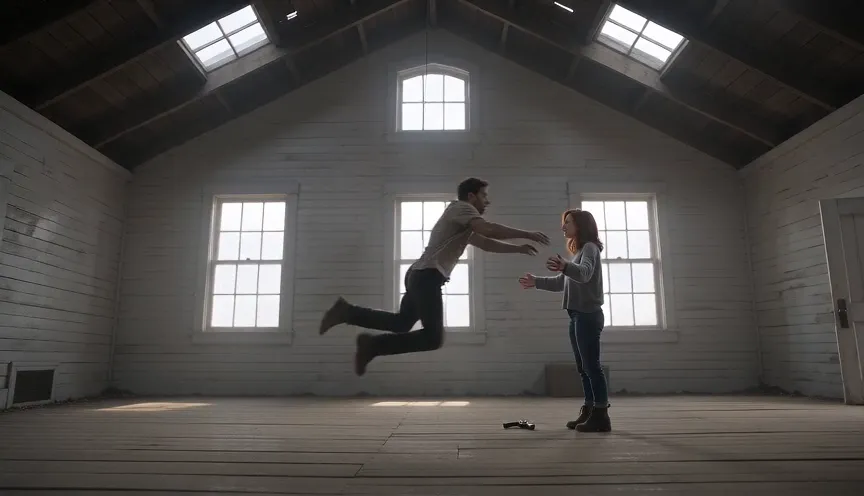
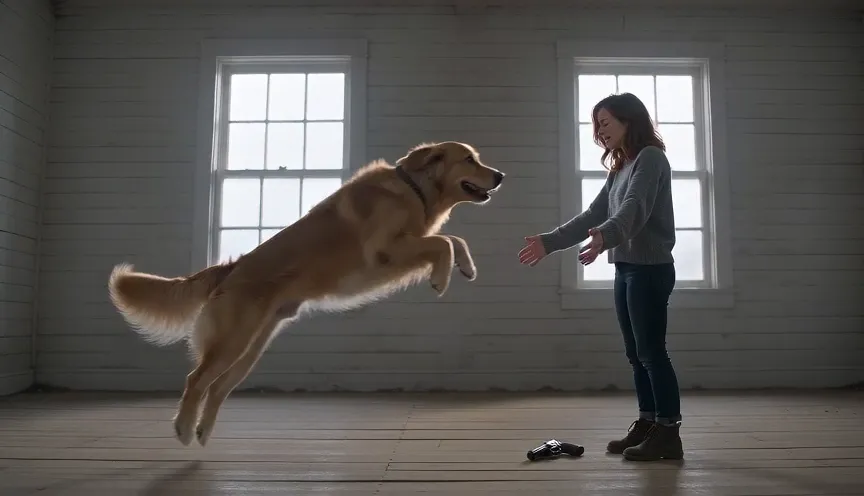
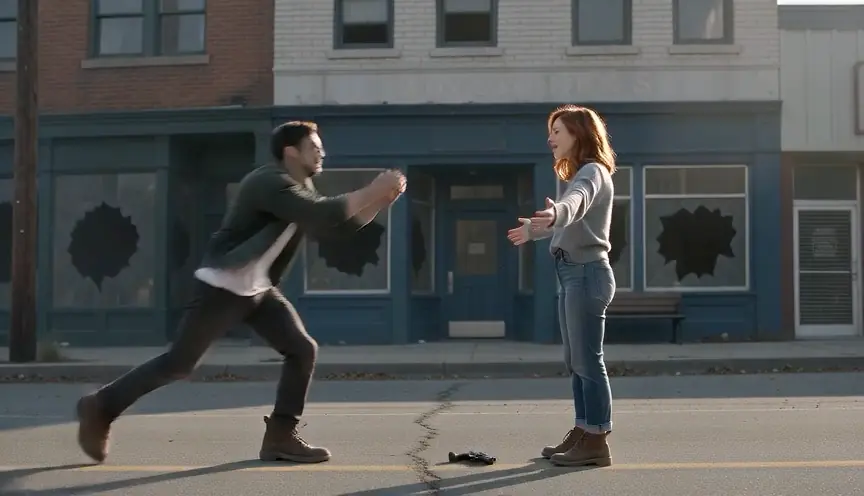
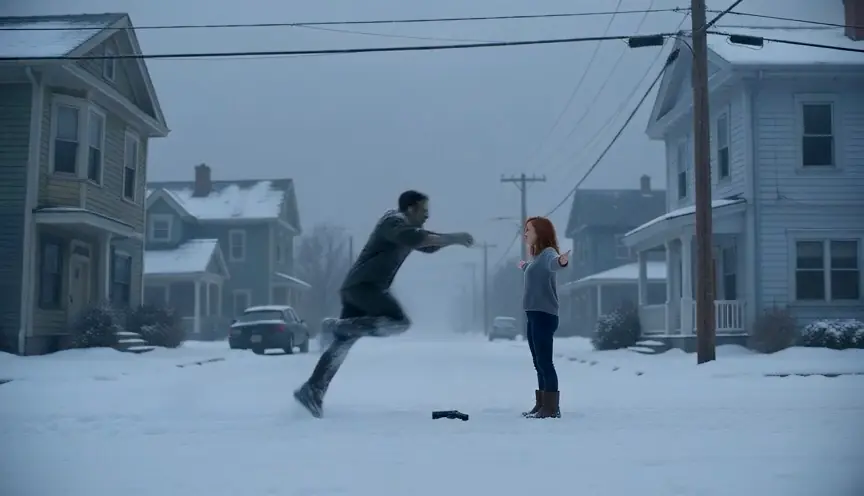
Halloween zombie film examples
Local previews are test renders made with fictional inputs. Public videos are embedded from their original posts and credited to the creators; each player loads after you press play.
Pipeline test renders
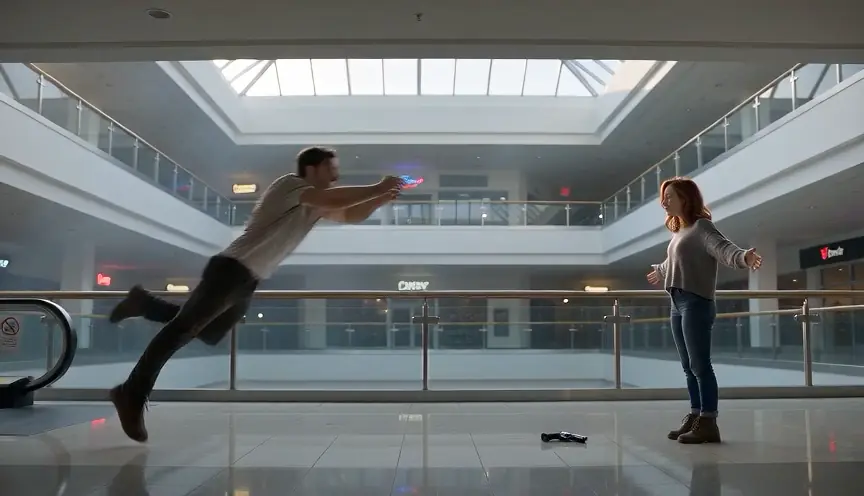
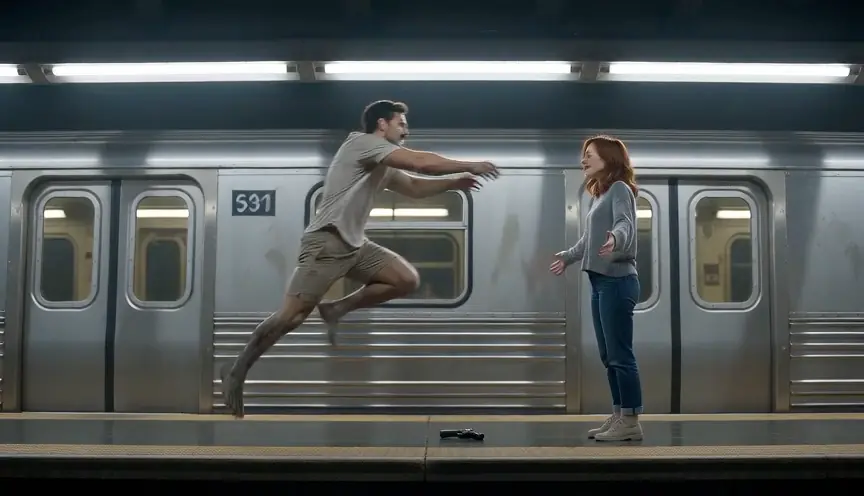
From independent creators
Questions and answers
AI zombie couple video questions
Question not answered here? Write to us or check the prices.
01Can we use one couple selfie for both roles?
No. The Zombie effect currently requires two separate photo slots, one for each person.
02Can both partners turn into zombies?
The built-in story assigns one person as the survivor and the other as the returning character. It does not offer a setting where both turn.
03What does a default render cost?
The default Seedance 2.0 Mini setting at 720p costs 12 credits for 15 seconds. The generator shows the selected cost before rendering.
04Will the generated result match both photos exactly?
No. The references guide the model, but faces, movement and scene details may vary. Review the complete MP4 before sharing.
Make your Halloween story
Create a two-photo zombie couple film
Upload one portrait per person, confirm the role order and check the current price before creating.