
Ghostface AI Trend: Where It Started and How to Make It
The Ghostface AI trend is a Halloween photo edit: you, in a grainy late-90s bedroom, on the phone or eating popcorn, while the masked killer from the Scream films waits in the doorway behind you. It is made with an AI image app and a short prompt, from one selfie.
This guide covers where it started, three prompts you can paste, the rights question that comes with a famous mask, and what to do if you want it to move. AI Halloween (aihalloween.org) does not make Ghostface images; we say what we do make at the end.
Updated
HALLOWEEN TREND
The Ghostface AI trend, start to finish
- Where it started
- Three prompts
- The rights question
Where the Ghostface AI trend started
Know Your Meme traces the earliest known post to 25 September 2025: an Instagram user shared an AI image of herself in a Y2K-style bedroom with Ghostface standing in the doorway, made with Google Gemini. A TikTok compilation of the images and their prompt passed 2.7 million views in four days, and by the end of September versions were all over TikTok and Instagram Reels, often set to a remix of Le Tigre’s “Deceptacon”.
The look settled quickly: satin or pink bedding, 90s posters, a corded phone or a bowl of popcorn, dim light, film grain, and the mask half in shadow. It came back this October as part of the wider Halloween AI trend.
How to make the Ghostface AI photo
- Pick a clear, well lit photo of yourself, face toward the camera. Only use photos of yourself or of adults who agreed.
- Open an AI image app that edits an uploaded photo; Gemini is the one the trend started in, and ChatGPT also takes a photo with a text instruction.
- Upload the photo and paste one of the prompts below. Keep the first sentence: it is what keeps the face yours.
- Generate two or three versions and keep the one where your face is right; small changes to the eyes and jaw are the usual miss.
- Post it next to the original photo, which is how the trend is usually shared.
An app may refuse a named film character or change it. If yours does, use the third prompt, which describes a generic masked figure instead.
Three Ghostface AI trend prompts
Starting points we wrote ourselves; each app reads them a little differently, and we have not tested them in every app.
Use my photo. Keep my face, hairstyle and expression exactly as they are. I am lying on my bed in a late-1990s bedroom at night, pink satin sheets, posters on the wall, holding a big corded phone to my ear. Behind me, in the dark doorway, Ghostface from the Scream films stands still, half in shadow. Grainy 90s film photo, warm lamp light, soft focus on the doorway. No text.Use my photo. Keep my face, hairstyle and expression exactly as they are. I sit on a sofa in a dim 1990s living room on Halloween night with a bowl of popcorn, lit only by the TV. Ghostface from the Scream films is reflected in the dark window behind me. Disposable camera flash, film grain, faded colours. No text.Use my photo. Keep my face, hairstyle and expression exactly as they are. I am on my bed at night holding a corded phone, lit by a small lamp. Behind me, half hidden in the dark doorway, stands a tall figure in a black hooded robe and a plain white mask. 1990s film photo, grain, the figure slightly out of focus. No text.The rights question
The Ghost Face mask is not public domain. Fun World, a division of Easter Unlimited, registered its copyright in 1993, holds a trademark on the costume’s design, licensed the mask to the first Scream film in 1996, and has gone to court over its use on merchandise (the 2018 suit against basketball player Terry Rozier). The character itself belongs to the Scream films.
Posting a fan edit of yourself is how the trend spreads, but selling it, printing it on products or using it to advertise something is a different matter. If you need an image you can use commercially, use the generic masked figure in prompt 3. We are not lawyers; this is what the public record shows, not legal advice.
Can the Ghostface photo become a video?
Creators animate the finished still with app templates or image-to-video models, which add a few seconds of movement: the mask stepping closer, the phone cord swinging. Results depend on the tool, and the same rights limits apply to the moving version.
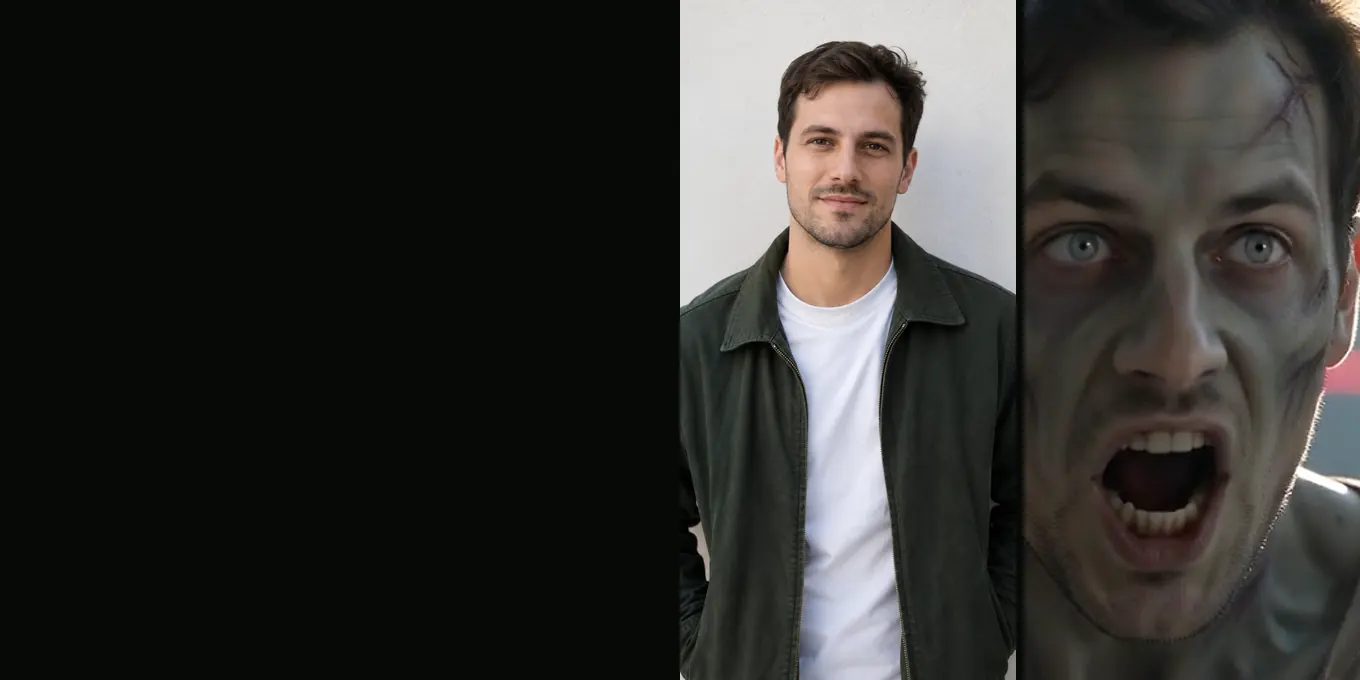
AI Halloween does not make Ghostface or any film character. What it makes is the video side of the Halloween AI trend: two everyday photos become a 15-second zombie short with sound, where someone you love has turned, the gun drops and the leap ends in a hug. 12 credits at 720p; no free generation and no free preview.
FAQ
- What is the Ghostface AI trend?
- An AI photo edit that puts you in a grainy 90s bedroom with Ghostface from the Scream films in the doorway behind you. It started on Instagram on 25 September 2025 and spread on TikTok and Reels within days.
- Which app do people use for the Ghostface AI trend?
- Google Gemini is where it started, and any AI image app that edits an uploaded photo from a text prompt can do it, ChatGPT included.
- Is the Ghostface AI trend free?
- It depends on the app and its own limits; many offer some image edits on a free plan. This guide does not cost anything to follow.
- Why doesn’t the Ghostface AI photo look like me?
- Start the prompt by asking the app to keep your face exactly as it is, use a sharp front-facing photo with even light, and generate a few versions. Heavy beauty filters on the original make it drift.
- Can AI Halloween make a Ghostface video?
- No. It makes a 15-second zombie short from two photos and does not generate film characters. See [the Halloween AI trend](/halloween-ai-trend) for the video version it does make.
Sources
Read next
- 01Can You Make the Zombie Trend With Gemini or ChatGPT?What Google’s Gemini app and OpenAI’s Sora offered for video when we checked, and how to make the trend with them.
- 02Edit Your AI Zombie Video in CapCut: Song, Text, ExportA finishing pass in CapCut or any phone editor: captions, sound, crop, slow motion and export.
- 03Zombie Video Captions and Sounds for TikTok and ReelsCaption lines by tone, what the film already sounds like, and how to add music and an AI label when you post.
AI Halloween is made independently and is not connected with TikTok or any film or TV studio. Each creator’s clip stays theirs.