
October’s AI edit, explained
Halloween AI Trend: Five Photo Prompts, Then a Video Version
The Halloween AI trend is an ordinary photo turned into a spooky edit with AI and posted next to the original. The photo version is made in an AI image app with a text prompt; this page gives you five to paste. The video version is what AI Halloween (aihalloween.org) makes: your photos become a 15-second zombie short with sound, 12 credits at 720p, in the phone browser.
Cast your two photos
Left: the survivor, who keeps the gun. Right: the one who has turned. One person in each photo.
Who plays the zombie
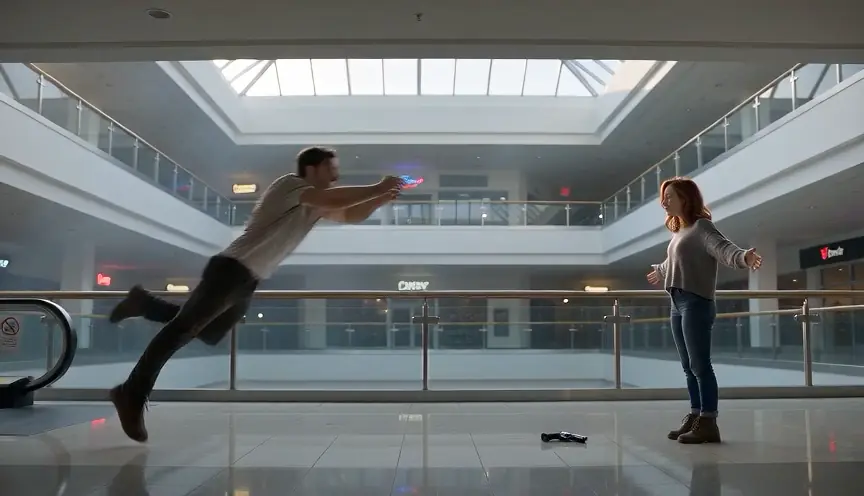
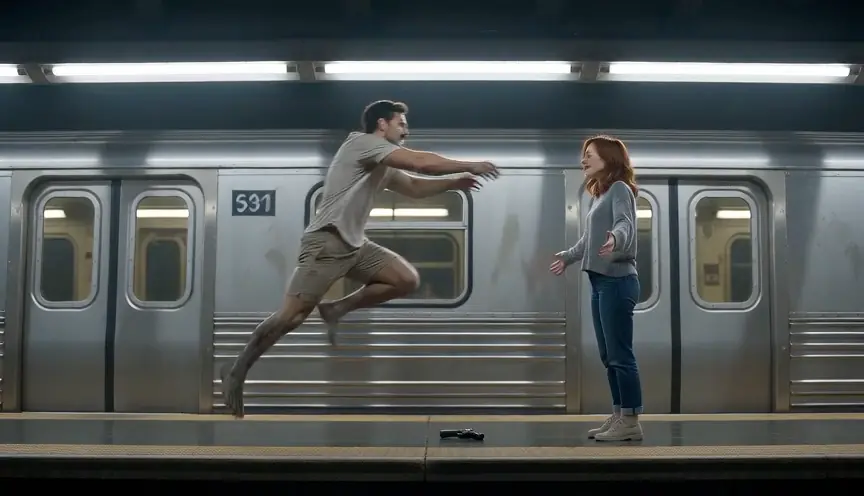
Where the standoff happens
Video
Render time: up to about 5 minutes. If it fails, the credits come back. See prices
The short answer
The Halloween AI trend turns an everyday photo into a Halloween look with AI: a 1990s flash photo, a masked figure in the doorway, a vintage costume portrait or zombie makeup. The photo version is made in a general AI image app from a prompt. For the video version, AI Halloween (aihalloween.org) turns two photos into a 15-second zombie short with sound for 12 credits at 720p (Seedance 2.0 Mini); there is no free generation and no free preview.
Updated
What it is
What is the Halloween AI trend?
Every October people post a normal selfie next to an AI version of it dressed for Halloween. There is no single filter behind it: most posts start from a short text prompt in an AI image app, and the prompt sets the look. The face stays recognisably yours; the room, the light, the clothes and sometimes the company change.
Write-ups of the 2026 season list the same handful of looks: a grainy late-90s bedroom photo shot with a hard flash, a horror figure standing behind you, vintage or homemade costume portraits, monster makeup, and couple edits (Media.io’s Halloween trend page, checked 13 October 2026). The masked-figure version grew out of the Ghostface photo trend that started in late September 2025 (Know Your Meme).
The trend also has a video branch: the same photos turned into a short clip. On this site that clip is the zombie short, where someone you love has turned, the gun drops and the leap ends in a hug.
Halloween AI trend: photo version or video version?
Use the photo version for a profile picture, a carousel or a before-and-after post; it is a still image and is made in another app. Use the video version when you want something that moves, has sound and tells a small story: a 15-second MP4 from AI Halloween.
The video version
How to make the Halloween AI trend video here
Step 1
Add two everyday photos
The video version of the Halloween AI trend starts from two photos: the survivor (left) and the person or pet who turns (right). Use the original photos, not the AI-edited ones: the model keeps a face better from a real one.
Step 2
Choose Couple or Pet and a world
Couple for a partner, friend or family member; Pet for a dog or cat. Then Farmhouse, Fallen City, Blizzard, Empty Mall or Night Subway for the standoff.
Step 3
Check the price, then create
The button shows the credits before you pay: 12 at 720p. The MP4 has no watermark and is saved under My videos.
Ideas for 2026
Halloween AI trend ideas, photo and video
- The 90s flash photo
- A late-90s teenage bedroom at night, hard flash, film grain. The most copied look of this year’s Halloween AI trend; prompt 1 below.
- Someone in the doorway
- You on the phone in the foreground, a masked figure half in shadow behind you. Prompt 2; our own wording, no film character named.
- Vintage costume portrait
- A black and white studio portrait in a homemade witch, vampire or ghost costume. Prompt 3.
- The zombie hug video
- The moving version: you lower the gun, they leap, the cut lands in a sunny memory. 15 seconds with sound, made on this site.
No. 01
No. 02
No. 03
No. 04
Halloween AI trend prompts to copy
Paste one of these into an AI image app that edits an uploaded photo (Google Gemini and ChatGPT both accept a photo and a text instruction). They are starting points we wrote ourselves; each app reads them a little differently, and we have not tested them in every app. Keep the first line: it is what keeps the face yours.
Use my photo. Keep my face, hairstyle and expression exactly as they are. Put me in a late-1990s teenage bedroom on Halloween night: band posters, a lava lamp, a carved pumpkin on the desk, a see-through corded phone. Hard on-camera flash, film grain, slightly faded colours, like a disposable camera photo. No text, no logos.Use my photo. Keep my face, hairstyle and expression exactly as they are. I am sitting on my bed at night holding a corded phone to my ear, lit by a small lamp. Behind me, half hidden in the dark doorway, stands a tall figure in a black hooded robe and a plain white mask. 1990s film photo, grain, soft focus on the figure. No text, no logos.Use my photo. Keep my face and hairstyle exactly as they are. Turn it into a 1950s black and white Halloween studio portrait: I wear a homemade witch costume with a tall paper hat, in front of a painted backdrop with a crescent moon, soft studio light, a few dust marks on the print. No text.Use my photo. Keep my face shape, hairstyle and pose. Give me film-quality zombie makeup: ash-grey cracked skin, dark veins on the neck, completely milky white eyes, dark lips, torn dusty clothes. No blood and no wounds. Cold blue light, an empty street at dusk behind me.Use my photo. Keep my face, beard or stubble and hairstyle exactly as they are. Make it a 1980s horror movie poster: I stand in a foggy cornfield at night holding a lantern, a full moon behind me, painted poster style, dramatic red and blue light. Leave the top third empty for a title. No text.Only edit photos of yourself or of adults who agreed. Film characters and their masks belong to the studios that made them; prompt 2 describes a generic masked figure for that reason.
Which app is everyone using for the Halloween AI trend?
There is no official app. Photo versions are mostly made in general AI image tools such as Gemini or ChatGPT, or in template apps such as CapCut, where someone else’s template does the edit. Video versions come from video models with a long prompt, from phone app templates, or from template sites like this one, where the story is already written.
| You want | Use |
|---|---|
| A Halloween AI photo of yourself | An AI image app and one of the prompts above |
| A spooky edit of one selfie with no prompt | A template app’s Halloween filter |
| A 15-second zombie video with a partner, friend or pet | AI Halloween (Couple or Pet) |
| Your own written story as a video | A general video model with your own prompt |
What this site does not do
- It does not make still Halloween photos. Use the prompts above in an image app.
- It does not make film characters such as Ghostface, and it has no live camera filter.
- It does not take a typed prompt: the zombie story, its seven shots and the sound are built in.
- There is no free generation and no free preview; failed renders refund their credits automatically.
Screenings
AI zombie Halloween films to watch first
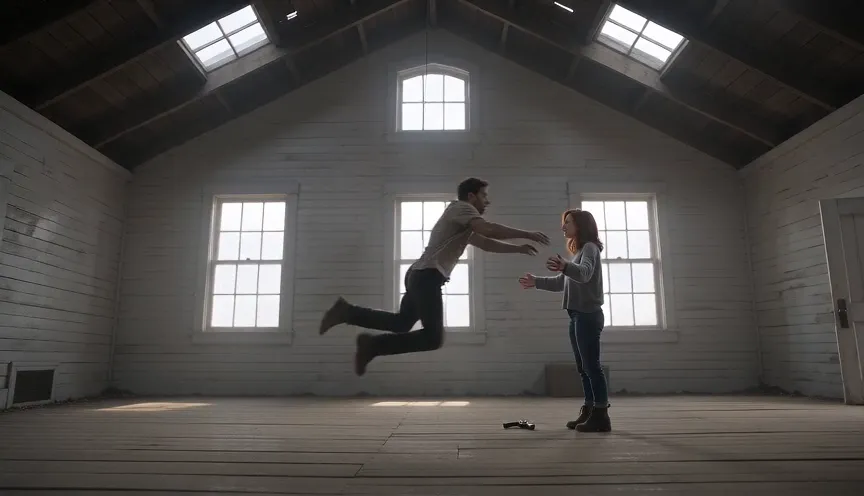
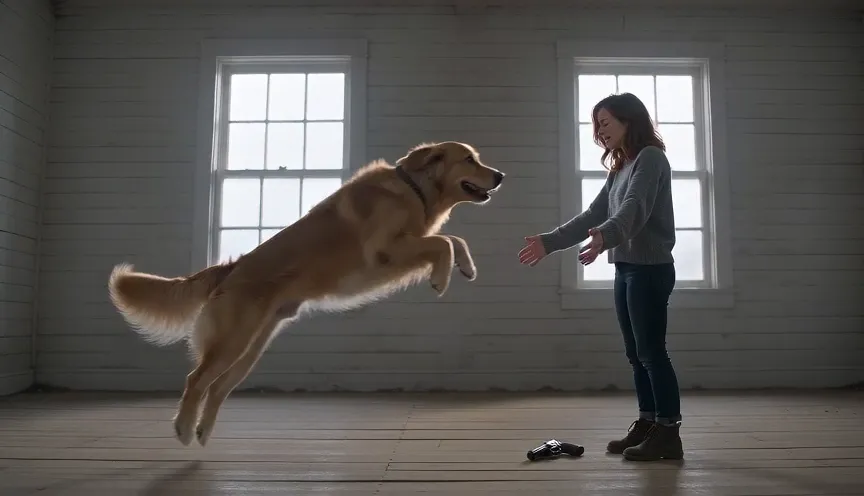
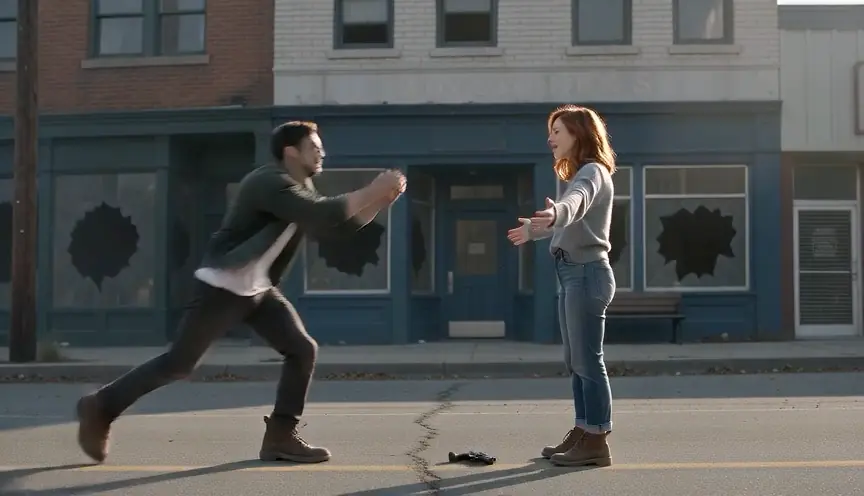
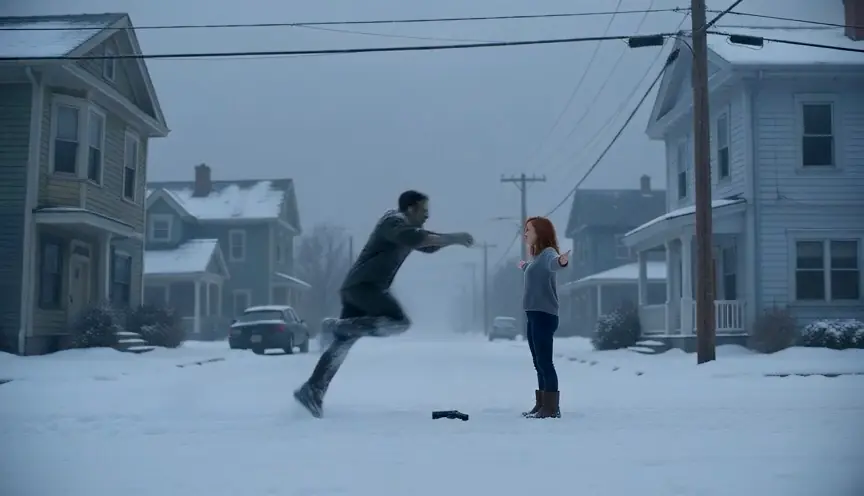
Our own pipeline tests (made from AI-generated people) and Shorts by independent creators, played in YouTube’s own player when you hover or tap, muted at first and credited to the creator.
From independent creators
Pipeline test renders
Is the AI Halloween trend the same as the Halloween AI trend?
Yes, both names are used for the same October posts. AI Halloween is also the name of this site, which makes the video version; the trend itself belongs to everyone who posts it.
How do I do the Halloween AI trend on my phone?
For the photo, open an AI image app, upload a clear selfie, paste one of the prompts on this page and save the result. For the video, open AI Halloween in the phone browser, add two photos, choose Couple or Pet and create; no app to install.
What prompt do people use for the Halloween AI photo trend?
The most common looks are a late-90s flash photo, a masked figure in the doorway, a vintage costume portrait and zombie makeup. All four are written out above, plus a horror-poster prompt. Start every prompt by asking the app to keep your face exactly as it is.
Is the Halloween AI trend free?
The photo version depends on the app you use and its own limits. The video version here is paid: 12 credits at 720p or 6 at 480p, with no free generation; the smallest pack is 12 credits for $9.99.
Can I turn my Halloween AI trend photo into a video?
Not the edited still itself. Upload your original photos here and the generator makes its own 15-second zombie film from them; real photos keep the likeness better than an AI-edited one.
Can I do the Halloween AI trend with my boyfriend, girlfriend or dog?
Yes, that is what the video version is built for: Couple puts two people in it, Pet puts your dog or cat in the zombie role. See the zombie love story and zombie pet video pages.
Is the Halloween AI trend video too gory to post for family?
The zombie film asks for grey skin and white eyes with no blood and no wounds, and ends in a warm memory. Watch the MP4 before you post, as with any AI video.
How long does the video take, and does it have a watermark?
The provider estimates up to about 5 minutes for a render. The MP4 has no watermark and no text on screen.
Made the photo?
Now make the Halloween AI trend move
Two everyday photos turn the Halloween AI trend into a short film: Couple or Pet, a world, and the price on the button.